Desktop View:
Mobile View:
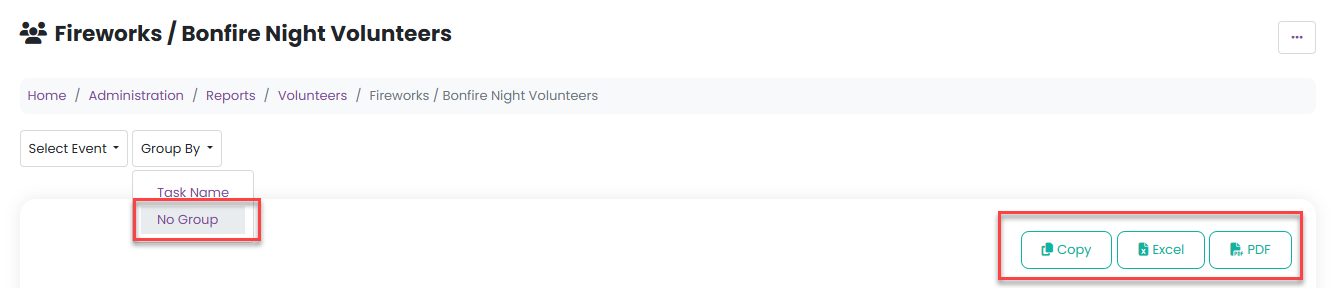
To export your Volunteers report to Excel, go to Reports > Volunteers and select the relevant event from the Select Event dropdown menu. Next, click Sort by and choose No group.
Once this is selected, you’ll be able to export the report to Excel, where you can further manipulate and analyse the data outside the platform.
Was this article helpful?
That’s Great!
Thank you for your feedback
Sorry! We couldn't be helpful
Thank you for your feedback
Feedback sent
We appreciate your effort and will try to fix the article