To move a volunteer to a different task, follow the steps below:
Navigate to Reports > Volunteers
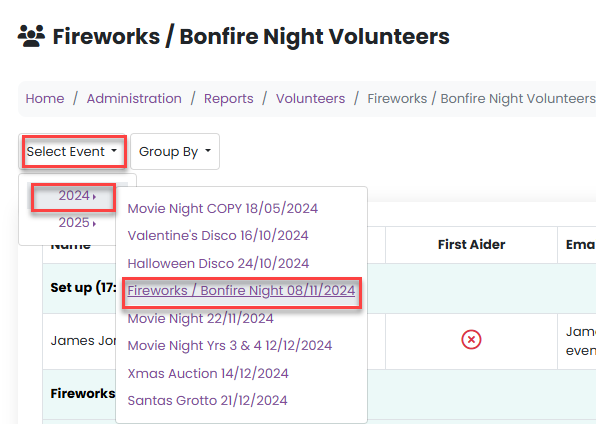
Use the Select Event dropdown to choose the relevant event:
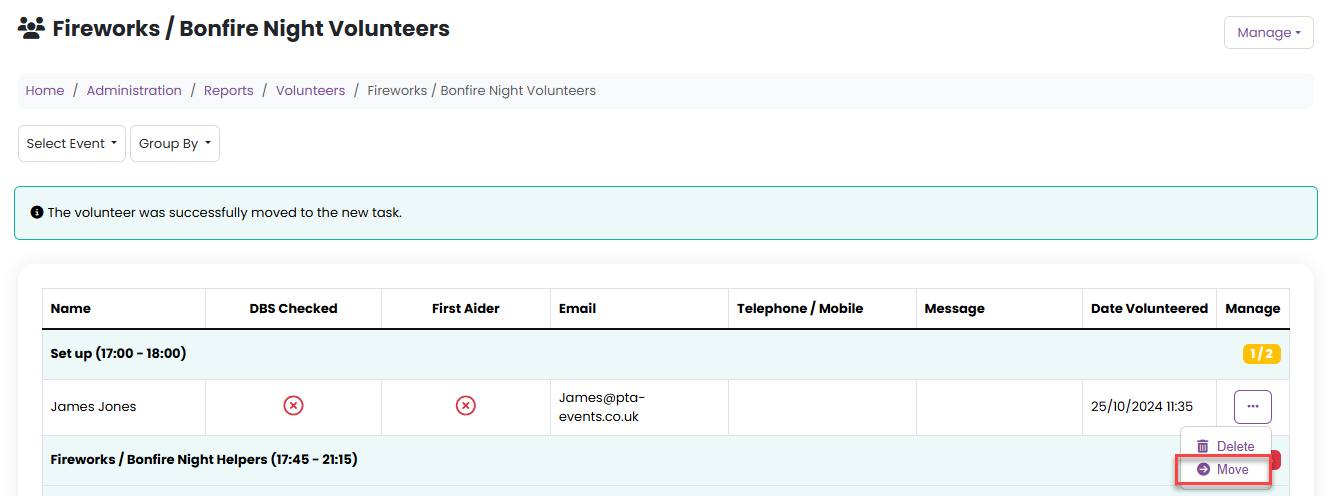
3. From the task Manage menu, select Move:
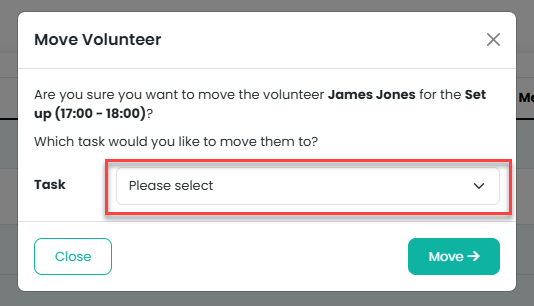
4. A modal window will appear where you can select the alternative task from the dropdown list:
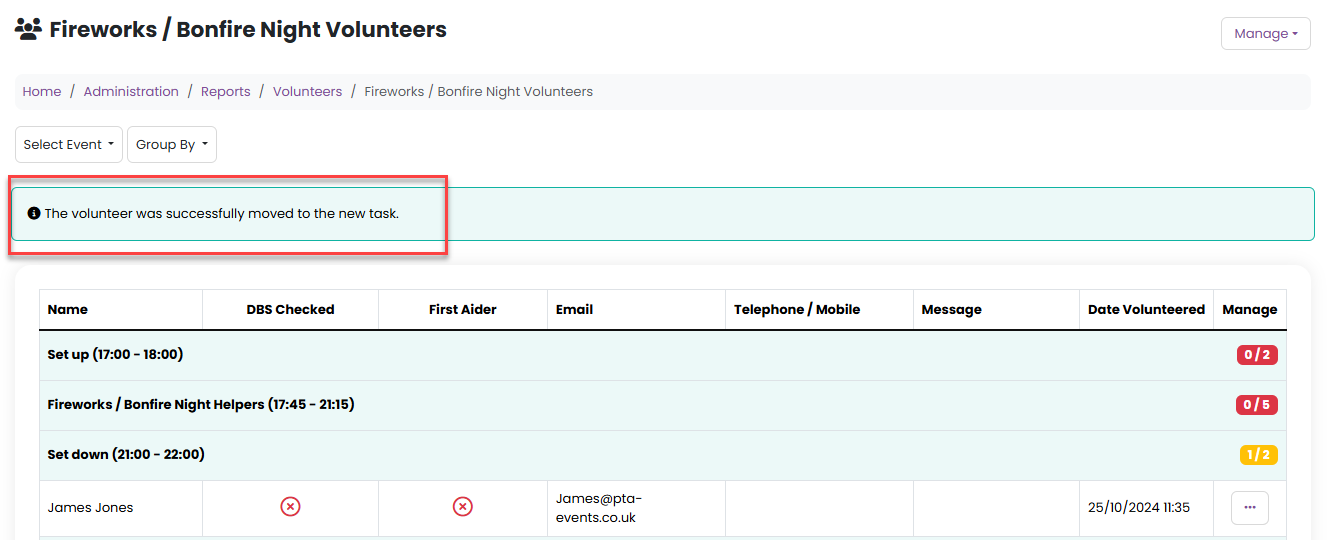
5. Click on the Move button to confirm:
Was this article helpful?
That’s Great!
Thank you for your feedback
Sorry! We couldn't be helpful
Thank you for your feedback
Feedback sent
We appreciate your effort and will try to fix the article