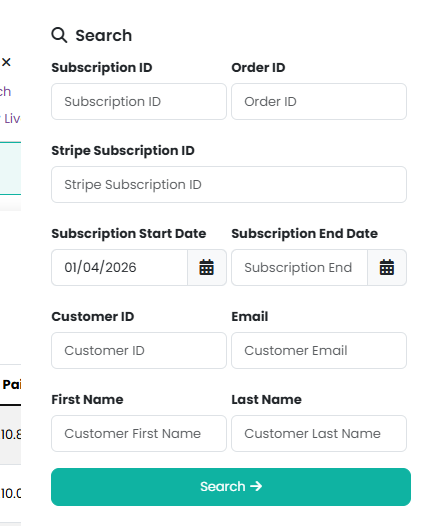
Subscriptions can be viewed by heading to Reports > Subscriptions and using the search form in the Manage menu:

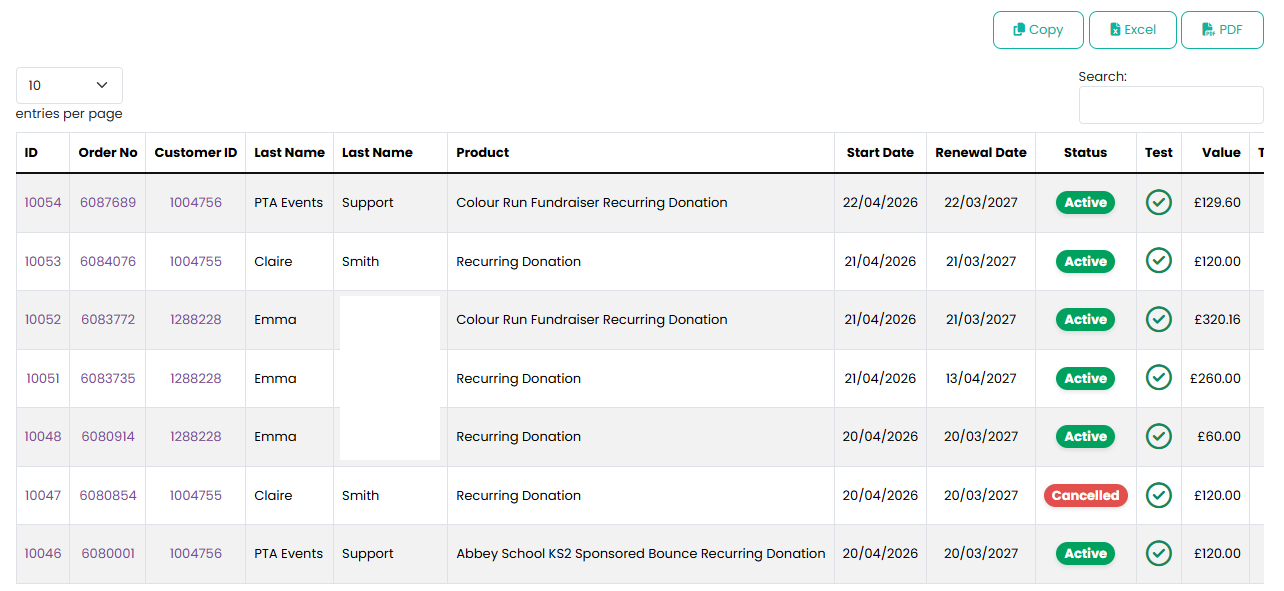
The results of the search will then be displayed:
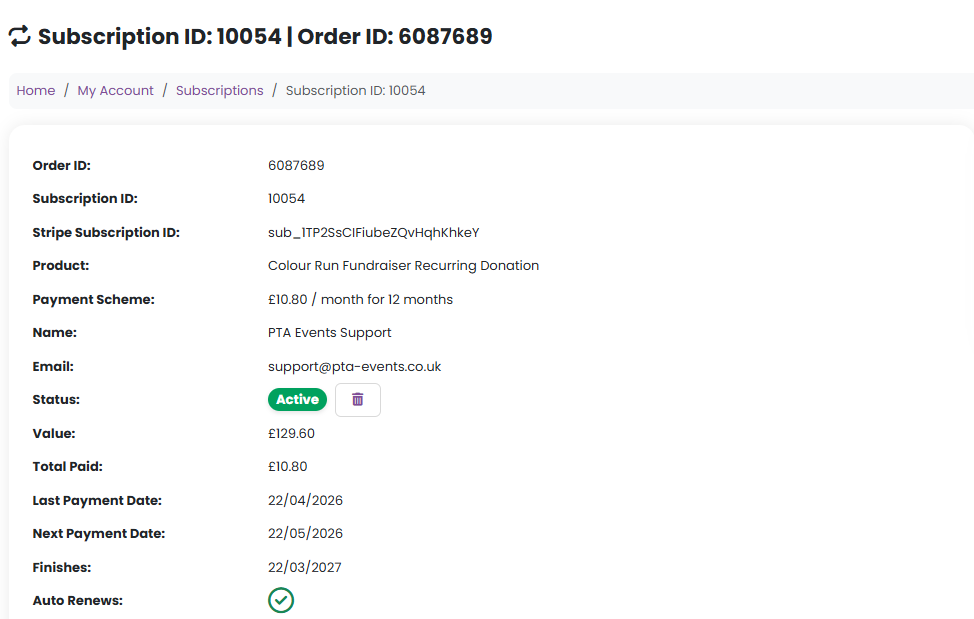
Click on the Subscription ID or View Subscription from the Manage menu:

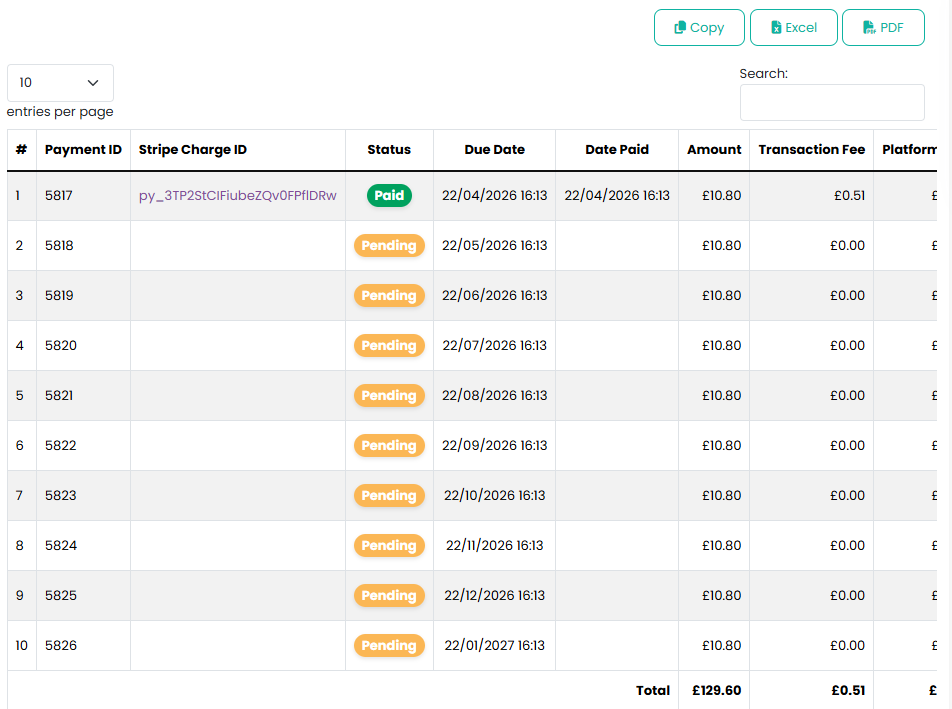
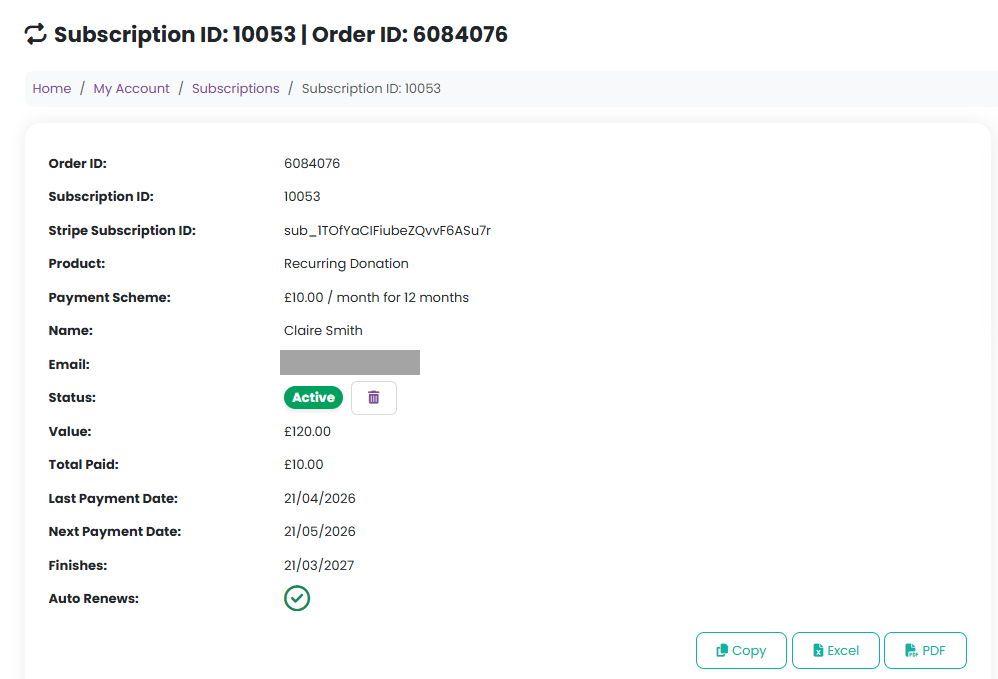
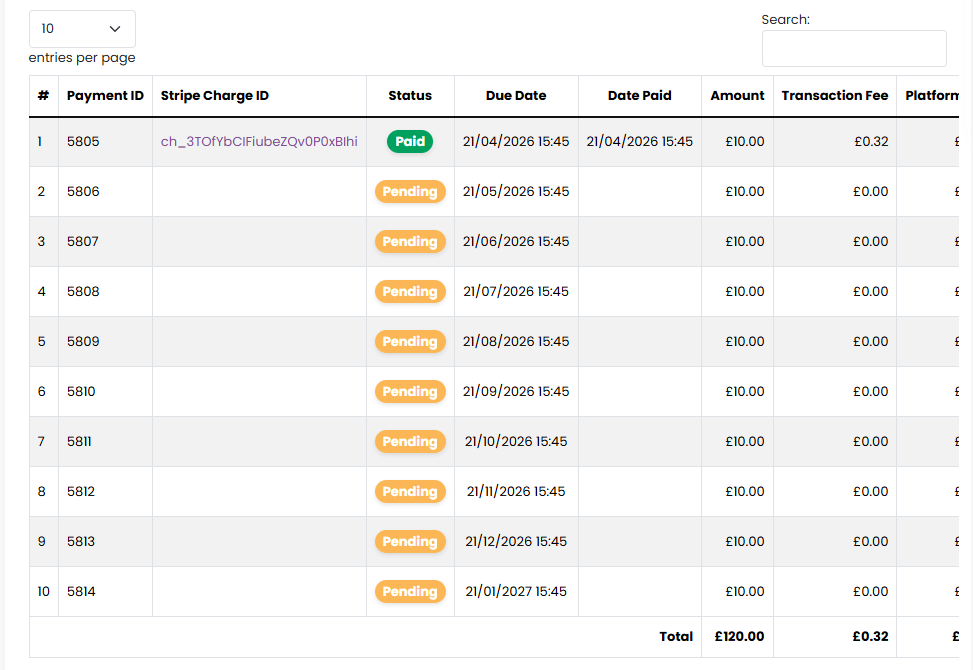
This will allow you to view further information including all paid and pending payments:
Customers can view and manage their subscriptions through their account.
- Go to My Account > Subscriptions
- Subscription information, including schedule of payments, can be viewed via the Manage menu or by clicking on the Subscription ID

Was this article helpful?
That’s Great!
Thank you for your feedback
Sorry! We couldn't be helpful
Thank you for your feedback
Feedback sent
We appreciate your effort and will try to fix the article