Yes, creating ticket bundles is quick and easy.
The simplest way to do this is by using one of our event templates:
Prize Draw (Online), or
Raffle (Offline)
Whichever option you choose, the event template will prompt you to enter a ticket price during setup.
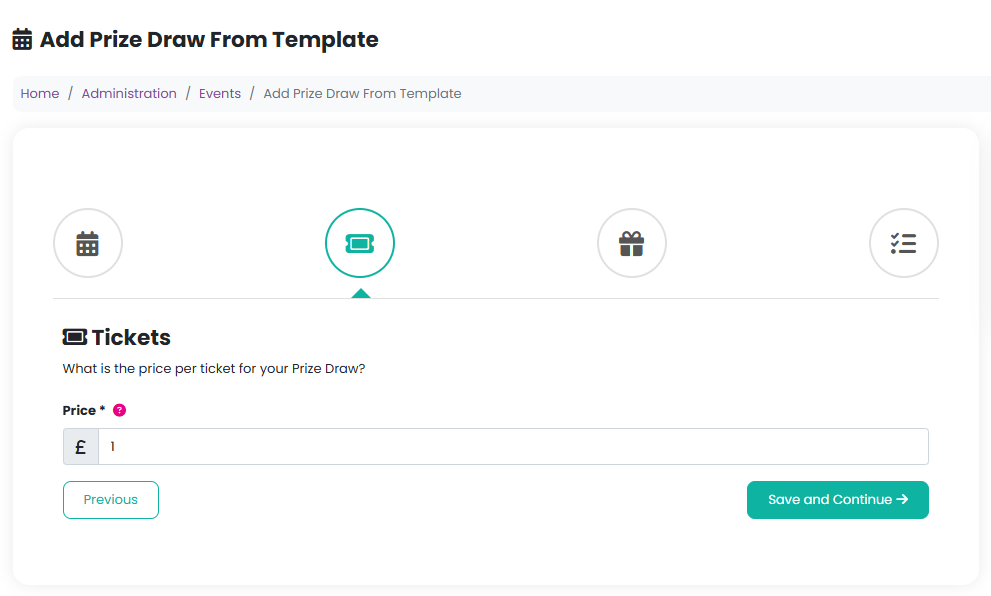
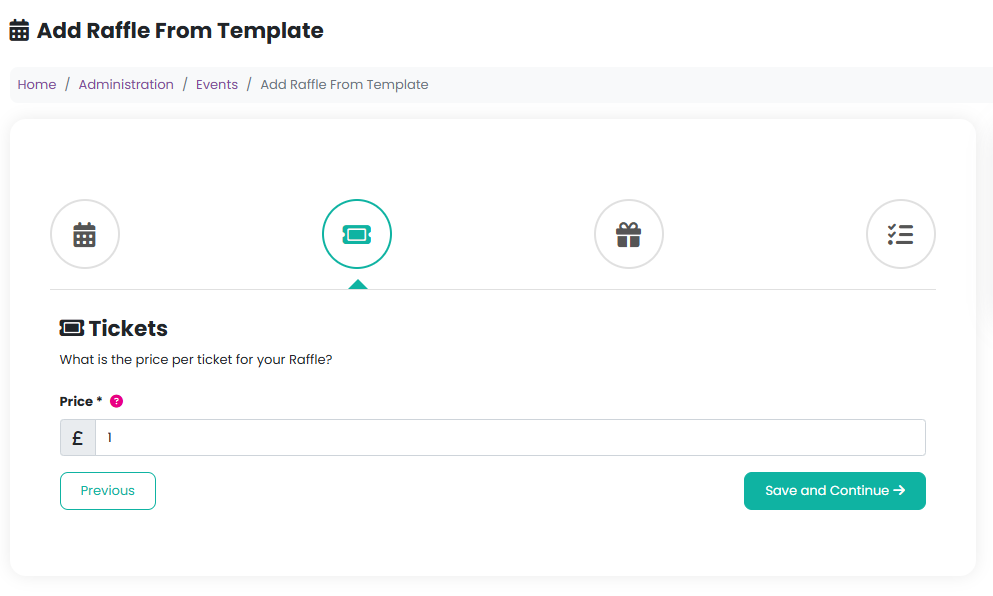
Once the event has been created, we’ll automatically generate ticket bundles that members of your community can purchase straight away.
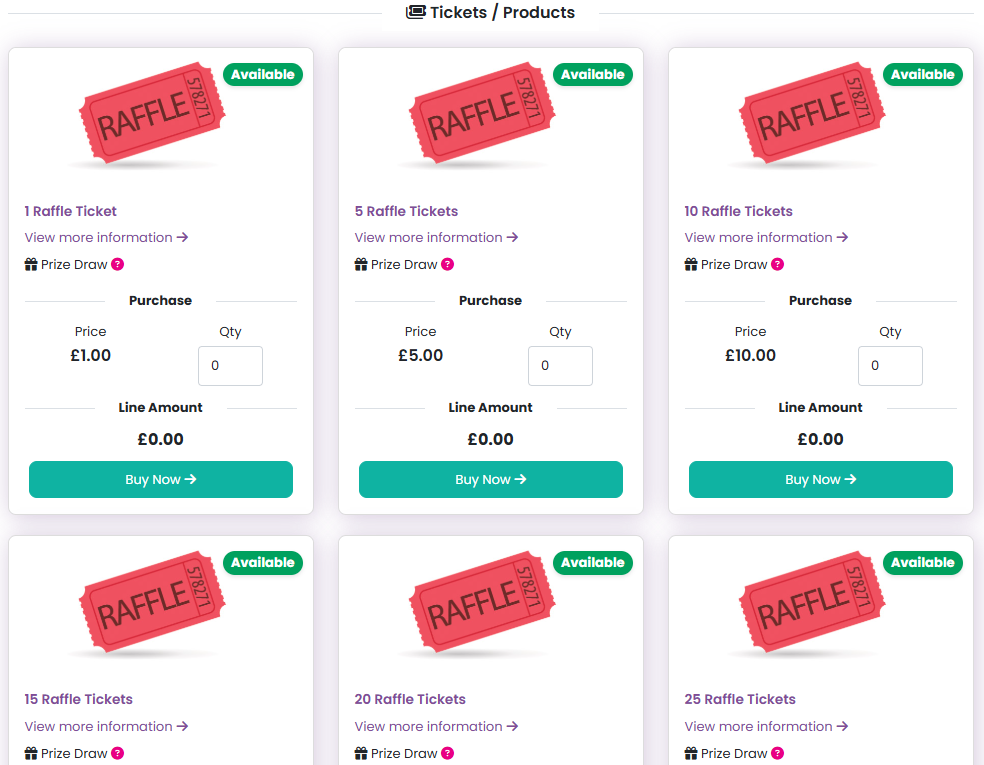
Creating custom ticket bundles
If you’d like to create your own bundle — or if you’re setting up a raffle without using an event template — you can do this manually in the product settings.
To create a bundle, set the “Product Quantity” field to the number of tickets you want to include in each bundle.
Example: Creating a bundle of 5 tickets for £5
Price: £5
Stock quantity: A high number (for example, 10,000)
Product quantity: 5
With this setup, when a member of your community purchases the £5 bundle, five eligible tickets will automatically be linked to their order and included in their confirmation email.
Was this article helpful?
That’s Great!
Thank you for your feedback
Sorry! We couldn't be helpful
Thank you for your feedback
Feedback sent
We appreciate your effort and will try to fix the article