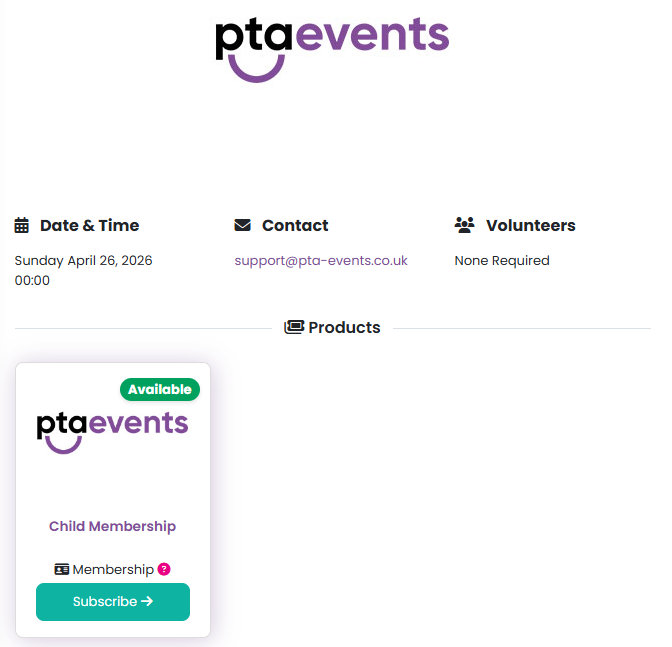
To purchase a Subscription/Membership head to the Uniform & Merchandise/Events & Sales section of the website, locate the required product and click on the Subscribe button:
All available payment schemes will then be shown:
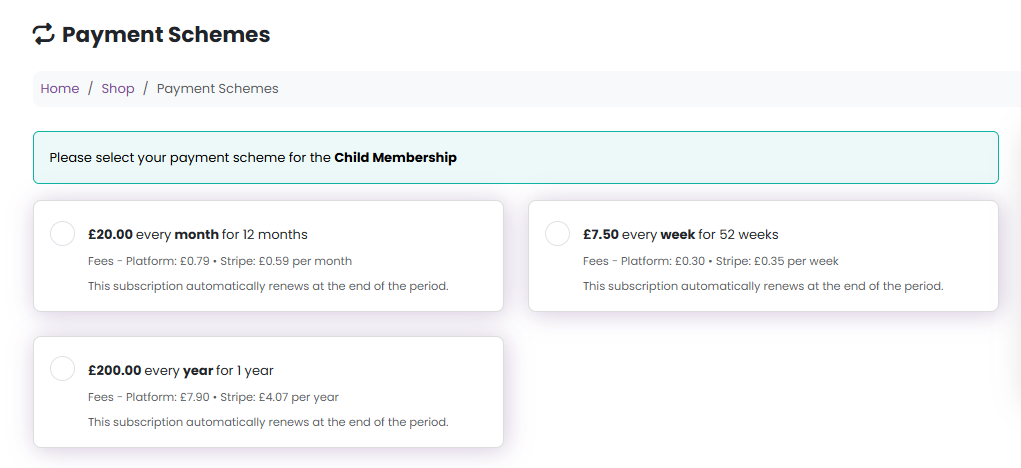
Once you have selected your preferred option, click the Continue to Checkout button, where you can complete any required booking information and agree to the Membership Terms:
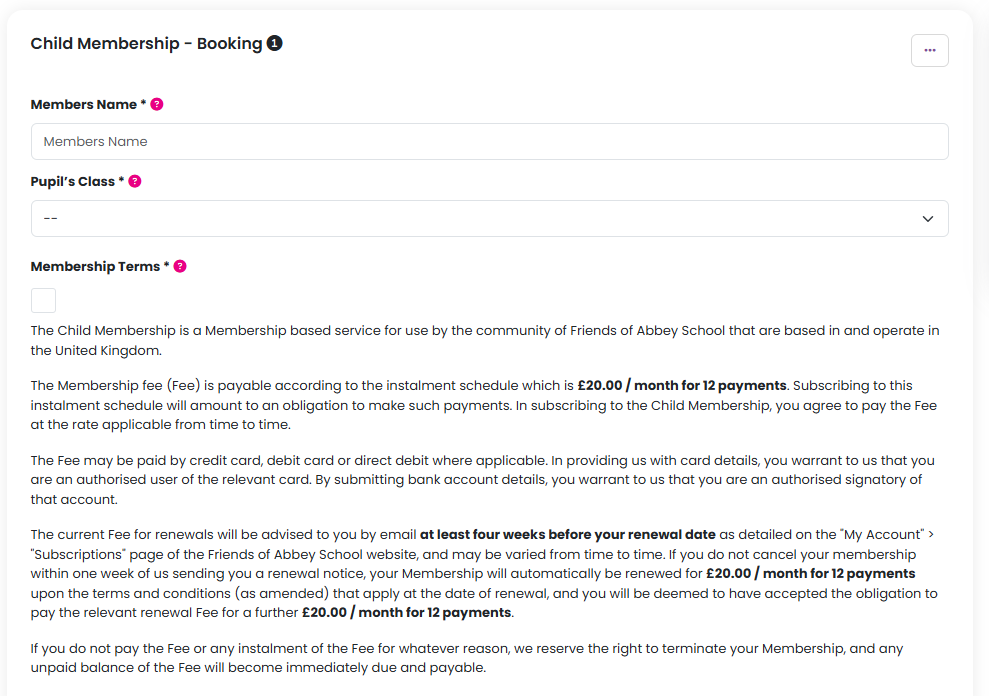
Then click the Continue to Checkout button.
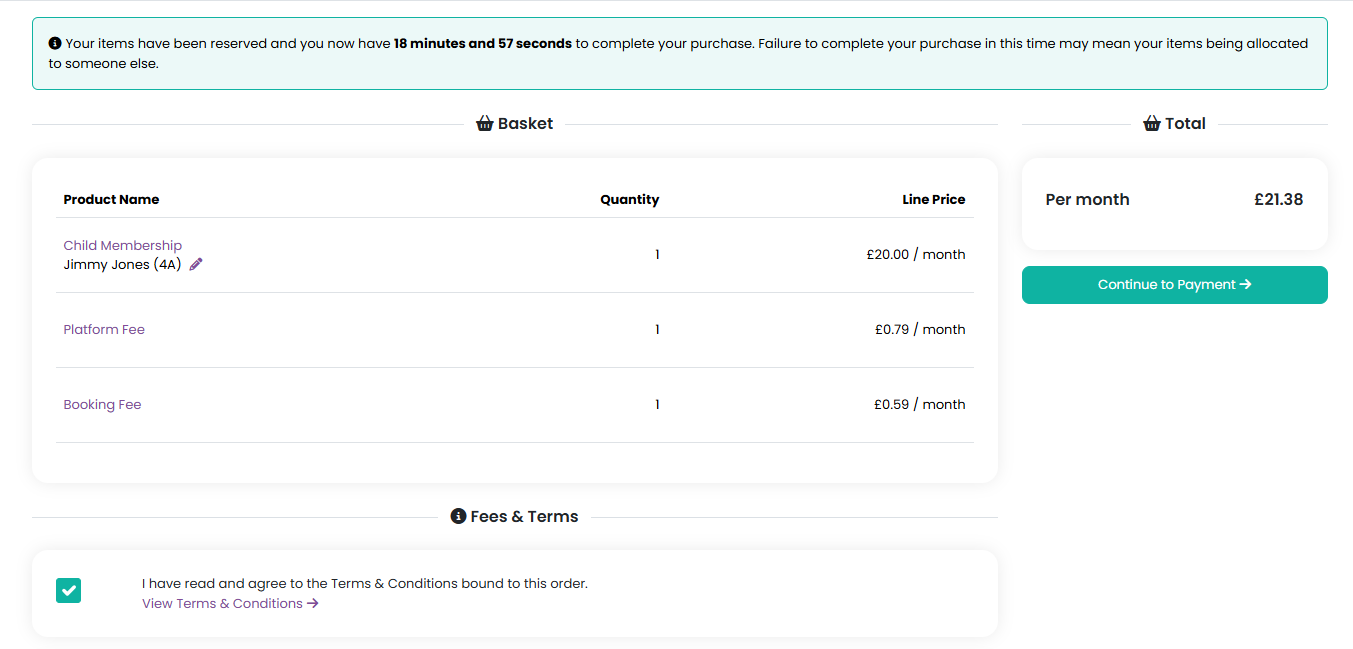
Review the order, agree to the terms and conditions, and click the Continue to Payment button:
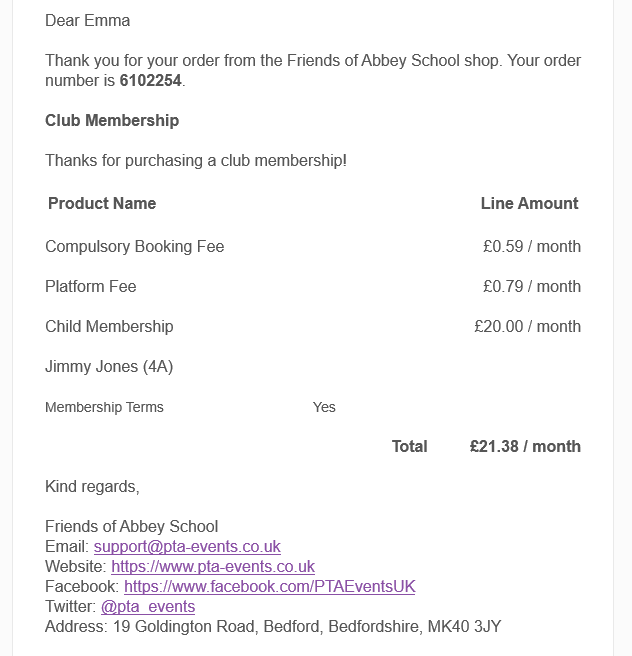
Once payment has been made, you will receive an email to confirm:
You can view and manage your Membership in My Account > Subscriptions including:
- View and cancel any subscriptions or recurring donations
- View any invoices & receipts
- Manage payment methods
Was this article helpful?
That’s Great!
Thank you for your feedback
Sorry! We couldn't be helpful
Thank you for your feedback
Feedback sent
We appreciate your effort and will try to fix the article