When we receive notification of your newly registered website, we will brand it for you according to the style guide or logos we can find on your own website or your affiliated organisation's website.
If you wish, you can update the colours and logos and amend the style of the product card type which is displayed in your Shop page.
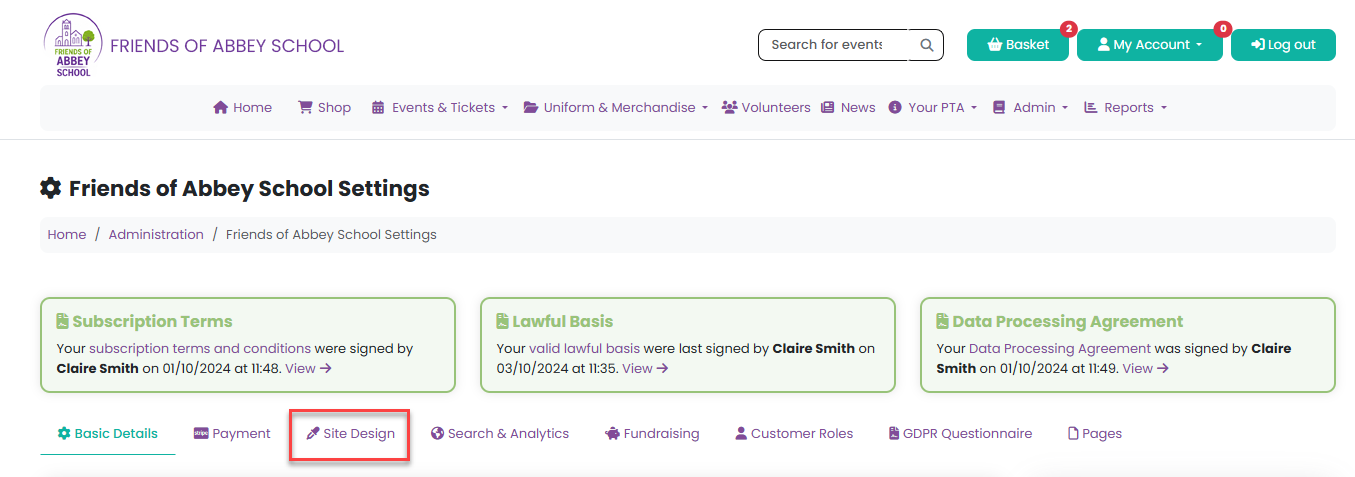
Head to Admin > Settings and click on the Site Design tab.
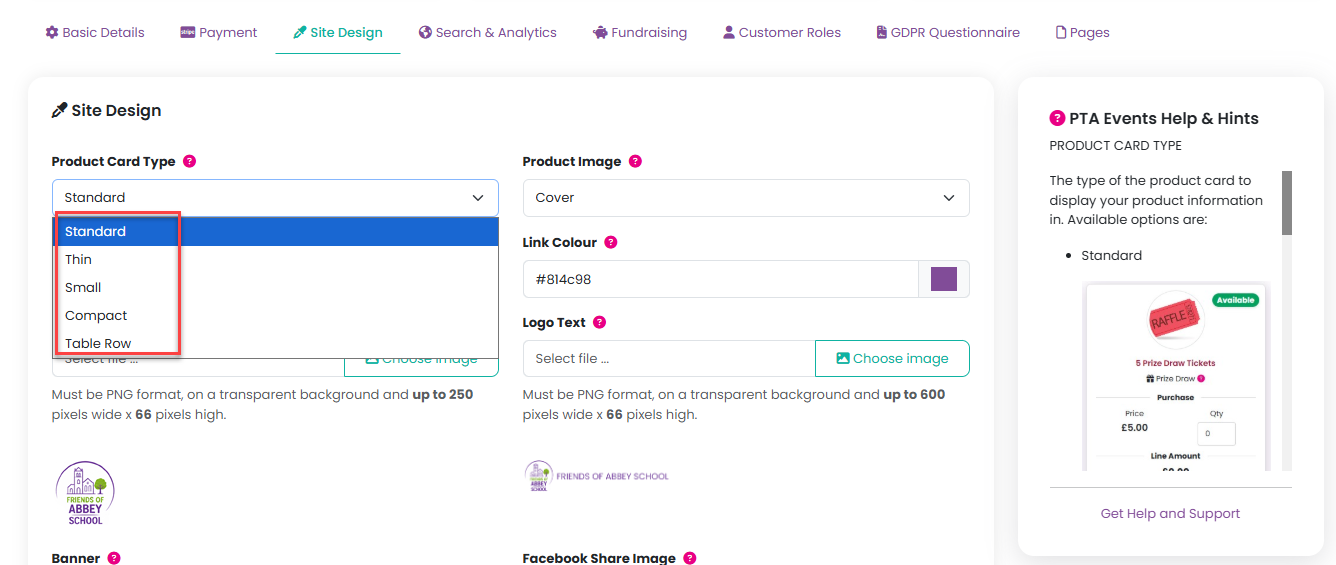
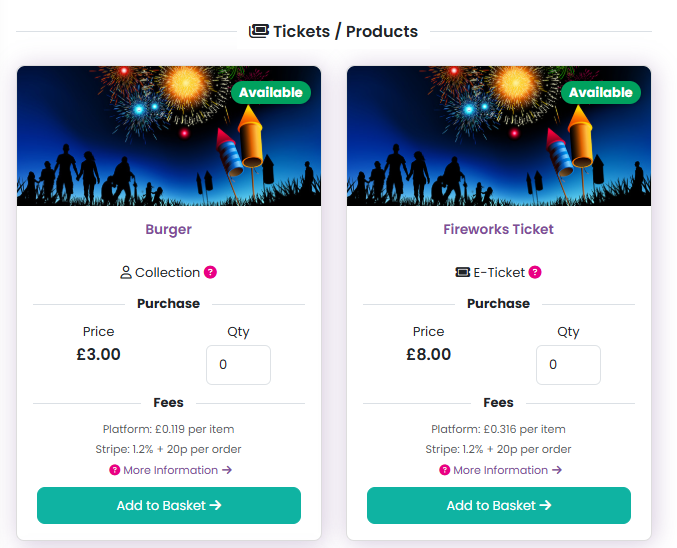
Here you can see the five options available for the Product Card Types. The Standard product card will be shown as default, but you can amend this suit by selecting either Thin, Small, Compact or Table Row from the dropdown list:
Examples of each of these are shown here:
Standard:
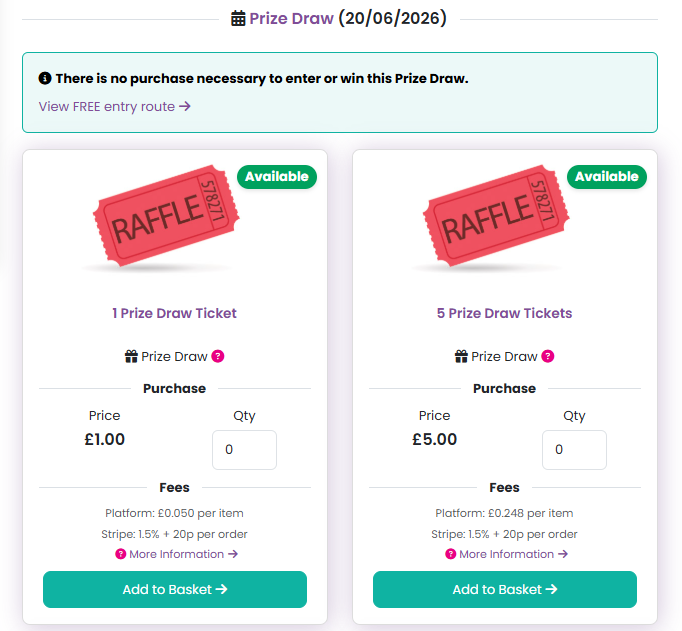
Thin:
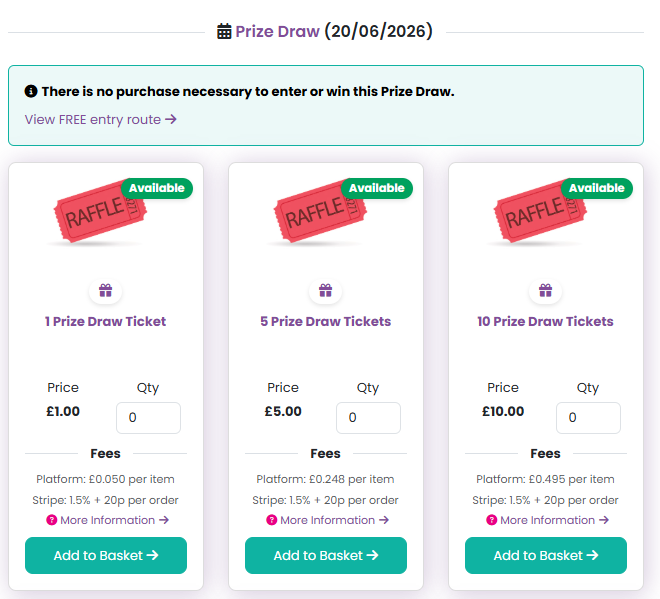
Small:
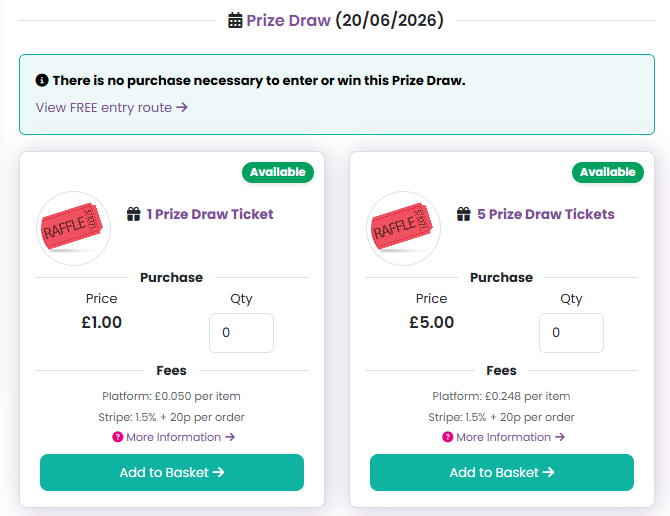
Compact:
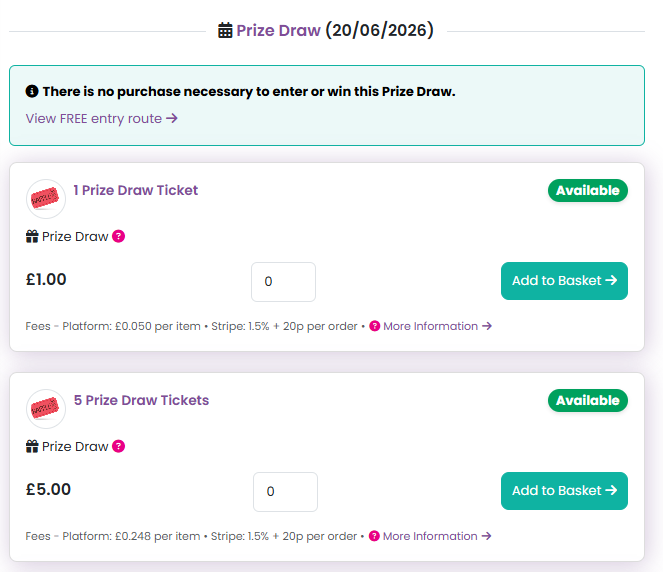
Table Row:
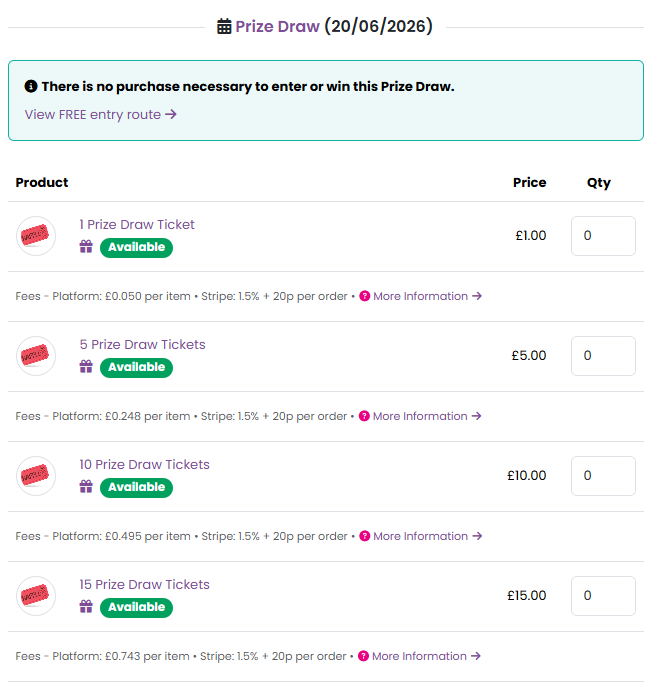
You can choose if you would like your Product Image to be:
Circle:
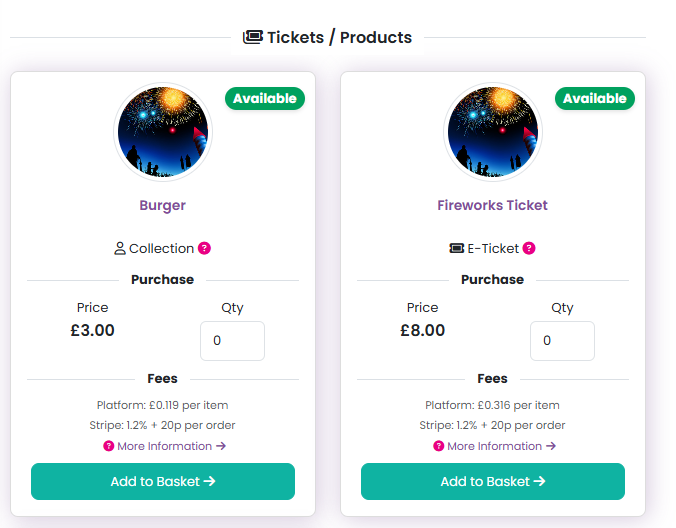
Or Cover:
You can amend the colour of the navigation bar and links for you organisation:

And you can change your logos here:
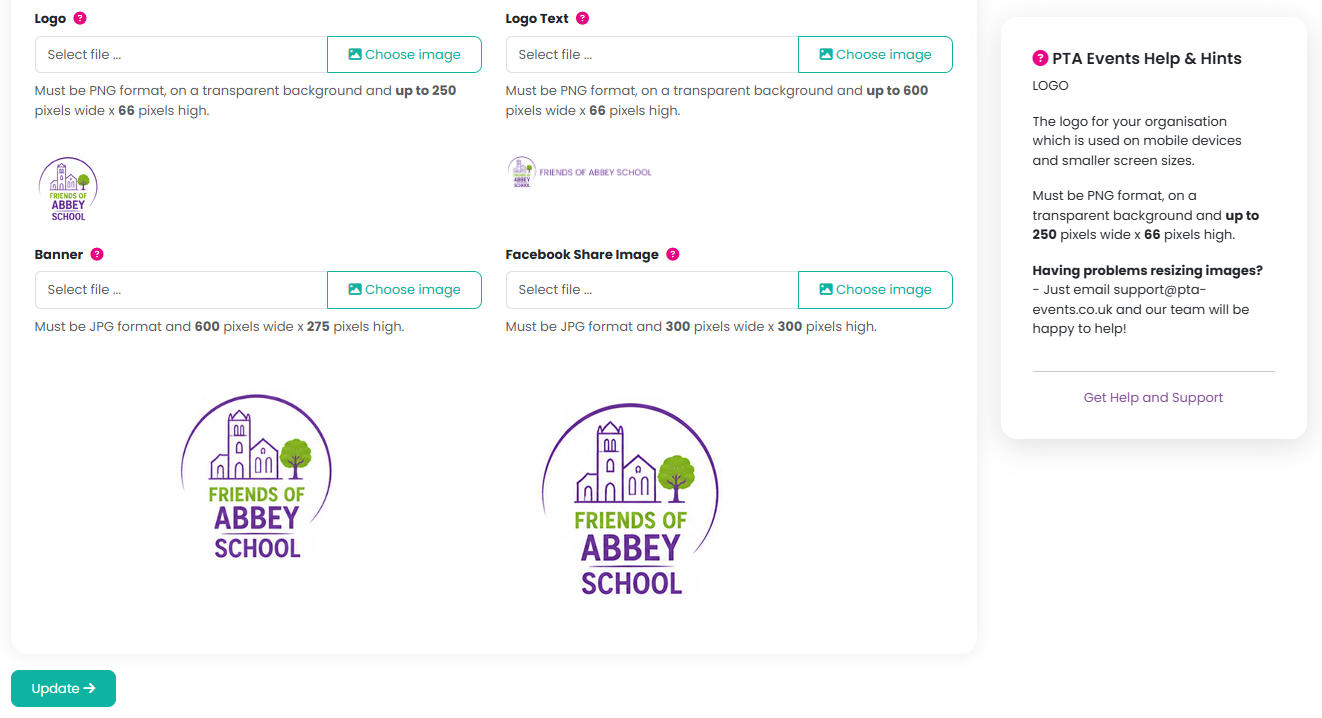
You can make any changes as applicable and then click on the Update button. Head to the Shop page to view your changes.
Was this article helpful?
That’s Great!
Thank you for your feedback
Sorry! We couldn't be helpful
Thank you for your feedback
Feedback sent
We appreciate your effort and will try to fix the article