Finances > Transactions lists every receipt and payment, newest first, including your card takings, paid expense claims, opening balances and fund transfers.
Filtering the list
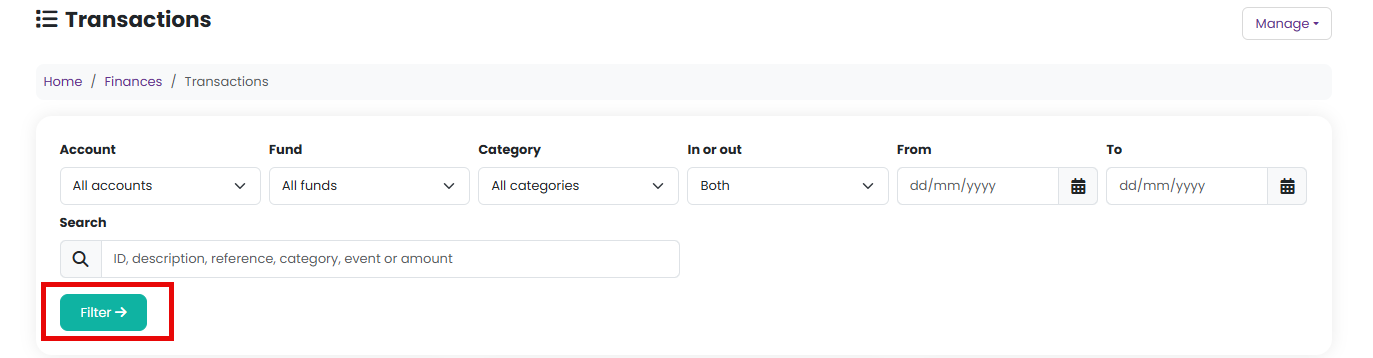
Use the filters at the top of the page and choose Filter:
- Account, Fund, Category and Event - or leave them on "All"
- In or out - money in, money out, or both
- From and To - a date range
- Search - type anything: a word from the description, a reference such as a cheque number, a category or event name, or an amount. Typing "47" or "£47.00" finds every transaction for exactly that amount.
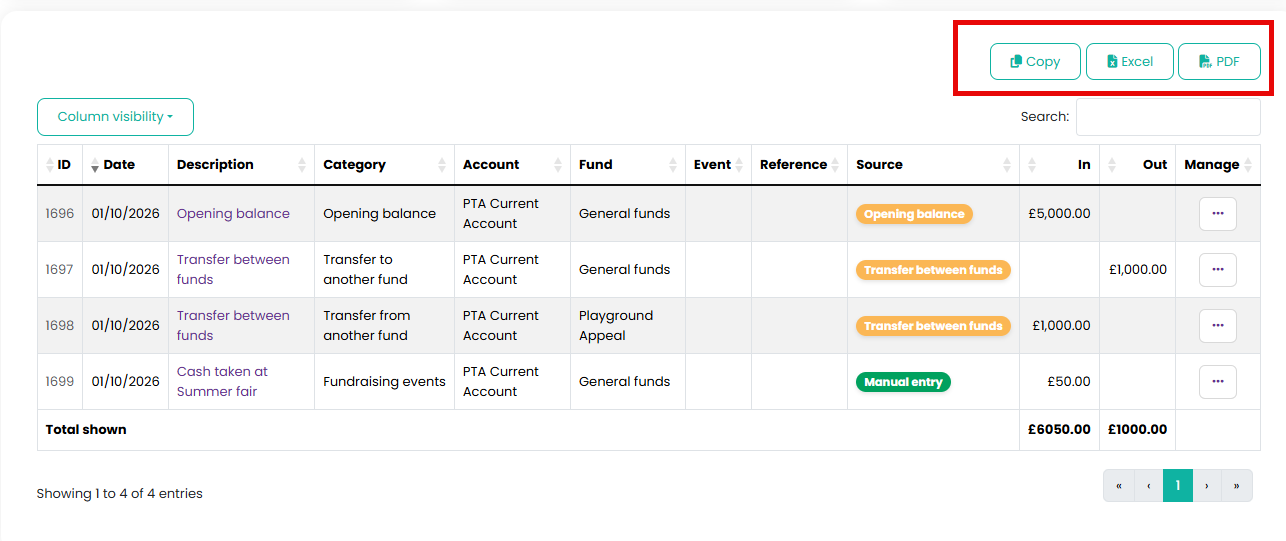
The totals at the foot of the table always cover everything currently listed, so filtering to an event or searching for a supplier also tells you what those transactions come to.
Other Finances pages link here already filtered: the Transactions item on an account, fund or category shows everything recorded against it, and a category on the Overview budget panel shows that category for the current year.
Exporting
Above the table, choose Copy, Excel or PDF. The export contains what is currently listed, so filter first if you only want part of it. Use the column visibility button to hide columns you do not need before exporting.
For your examiner, the Examiner Pack under Finances > Receipts & Payments already includes a complete transaction listing for the year.

The Source column
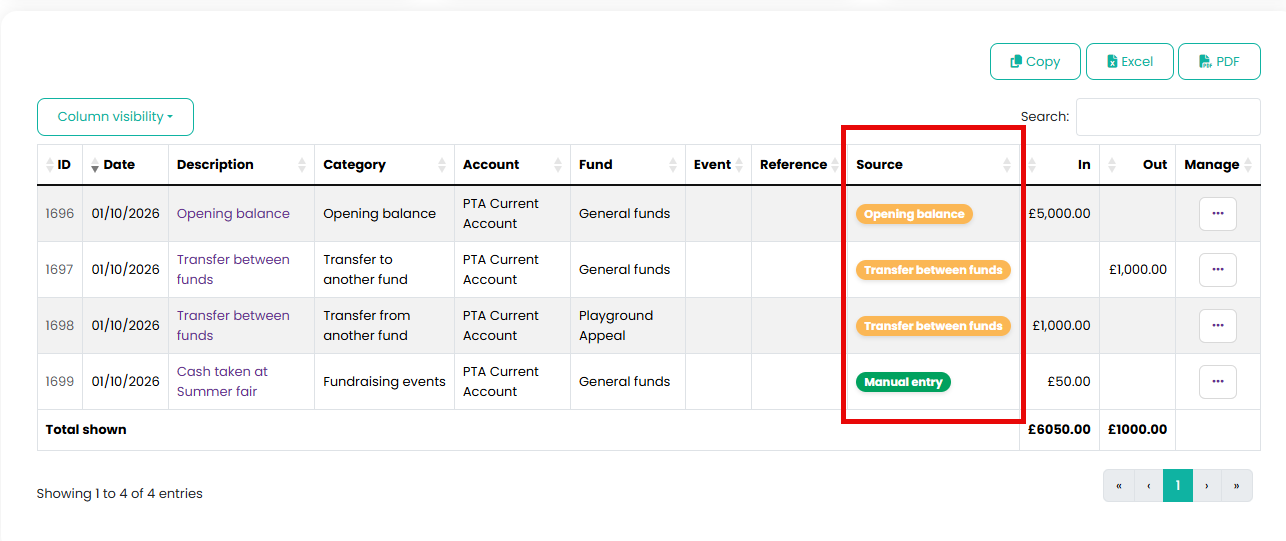
Where the transaction came from. "Manual entry" is one you typed. Anything else was recorded automatically from something real: a Stripe payout, a paid expense claim, an opening balance, a fund transfer, or a bank statement line you recorded during reconciliation.
Related reading
Was this article helpful?
That’s Great!
Thank you for your feedback
Sorry! We couldn't be helpful
Thank you for your feedback
Feedback sent
We appreciate your effort and will try to fix the article