Desktop view:
Mobile view:
We understand how important it is to keep parents informed about your fundraising goals and progress. To support this, you can display your fundraising target and achievements directly on your website.
You can update the fundraising thermometer by going to Admin > Settings > Fundraising.
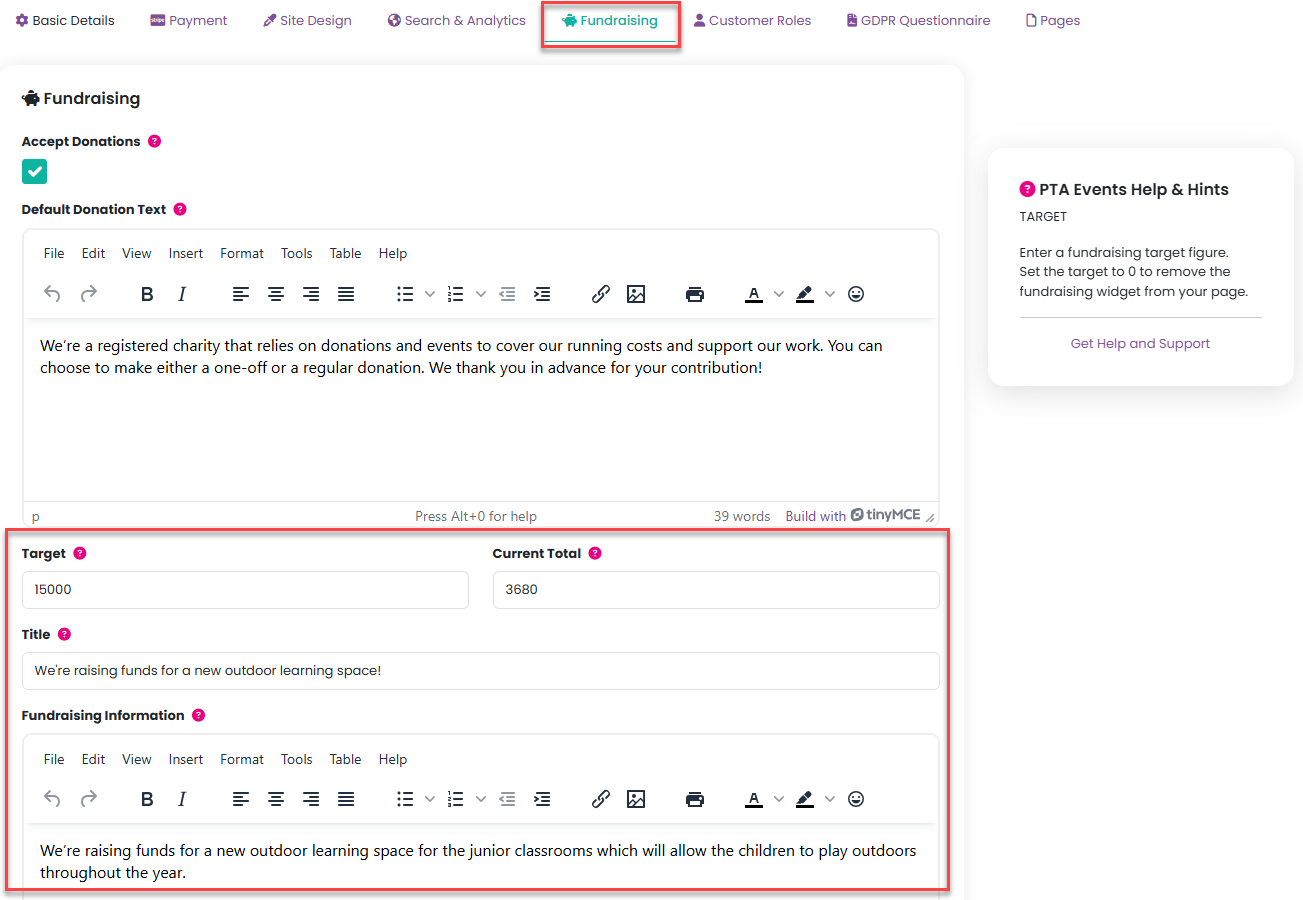
Then complete a Target, a Current Total field which is a free-text field, which means you can include all funds raised, including donations collected outside the platform. Add a Title and any Fundraising Information you wish to include:
Once you enter a fundraising target, it will be displayed on the About Us page of Your PTA, allowing parents to easily see how close you are to reaching your goal. 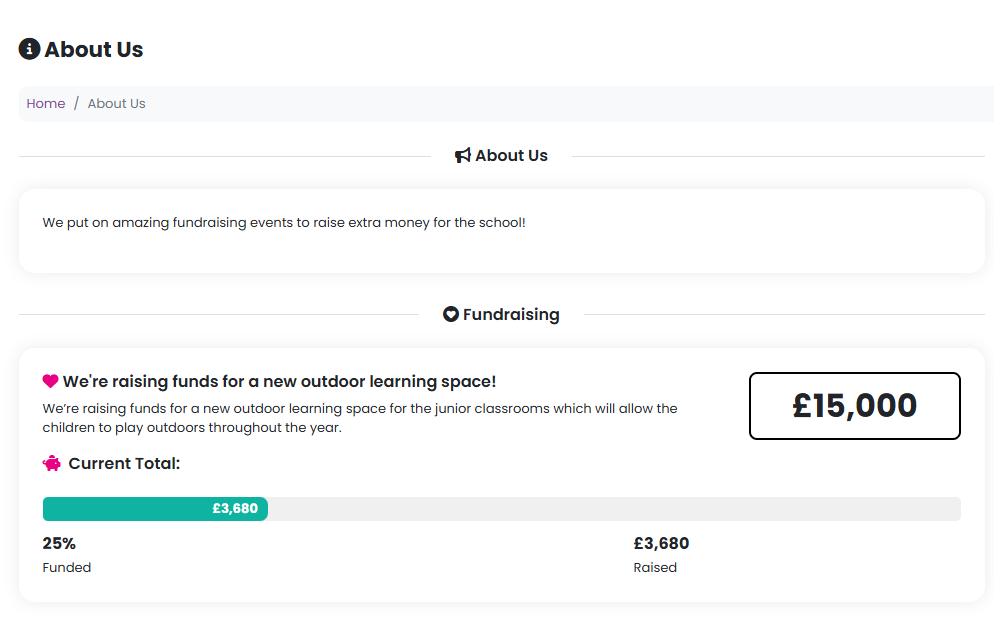
Click here for further information about accepting global one-off and recurring donations on your website.
Was this article helpful?
That’s Great!
Thank you for your feedback
Sorry! We couldn't be helpful
Thank you for your feedback
Feedback sent
We appreciate your effort and will try to fix the article