If Stripe has confirmed that your account is on their charity rate (1.2% + 20p per transaction), you can update the fee calculation on your PTA Events website as follows:
Go to Admin
Select Settings
Open the Payment tab
Change the Stripe Rate field from Business to Charity
Click Update to save your changes
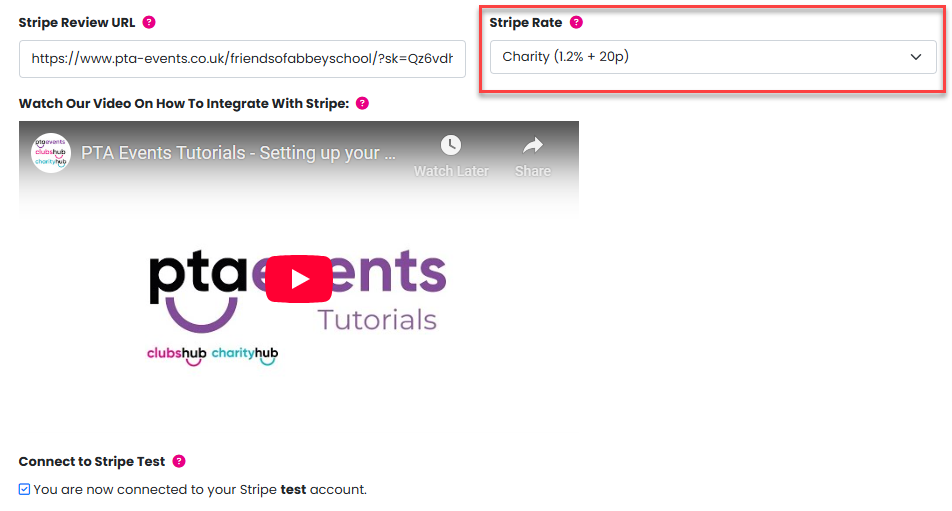
If you are not on Stripe’s charity rate, please leave your PTA Events website set to calculate fees using the business rate (1.5% + 20p per transaction).
Important note:
Registering with Stripe as a charity (and seeing “charity” listed as your account type) does not automatically mean you are being charged Stripe’s charity rate. These are separate settings, and Stripe must explicitly confirm that the charity rate has been applied to your account.
Please click here for further information on applying for Stripe's charity rate.
Was this article helpful?
That’s Great!
Thank you for your feedback
Sorry! We couldn't be helpful
Thank you for your feedback
Feedback sent
We appreciate your effort and will try to fix the article