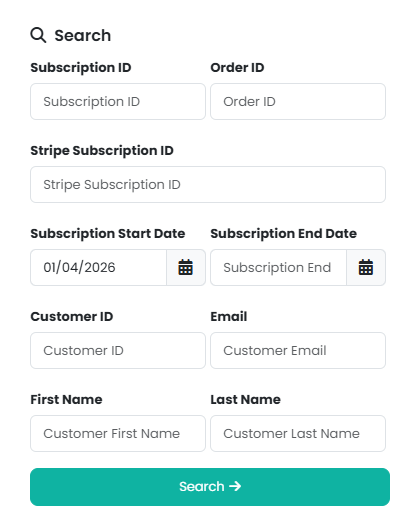
Subscriptions can be cancelled in two different ways. First, head to Reports > Subscriptions and use the search form in the Manage menu:

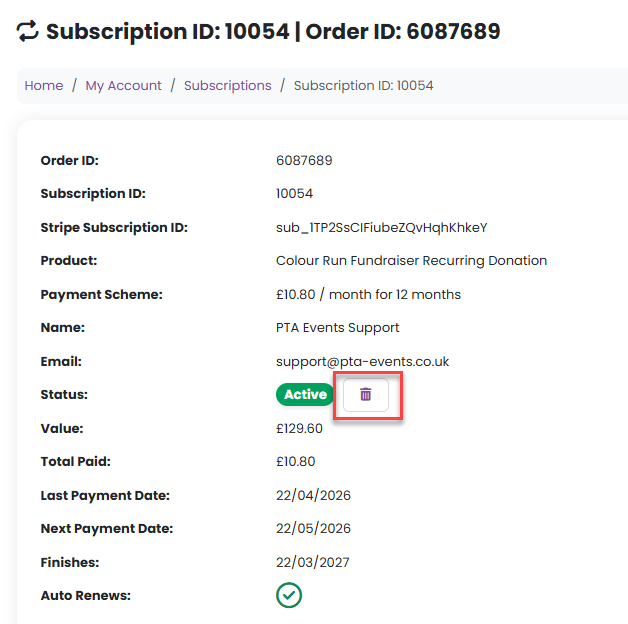
Once you have located the required subscription, you can either select Cancel Recurring Donation / Subscription / Membership from the Manage menu, or you can select the Subscription ID, and then click on the rubbish bin icon:

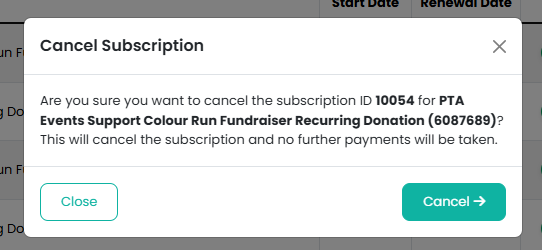
In both instances a modal window will appear for confirmation:
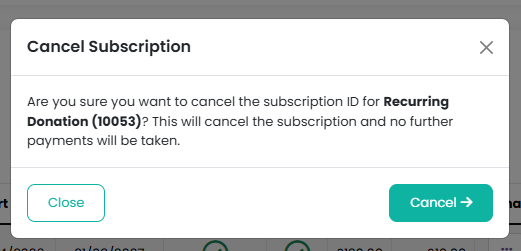
Your customers can access their own Subscriptions via My Account > Subscriptions, where they can cancel them in the same way:

Was this article helpful?
That’s Great!
Thank you for your feedback
Sorry! We couldn't be helpful
Thank you for your feedback
Feedback sent
We appreciate your effort and will try to fix the article