If you have a Facebook Page, you can display it in a widget on your shop page.
Please note that Facebook Groups are private, so their content cannot be shown in the widget.
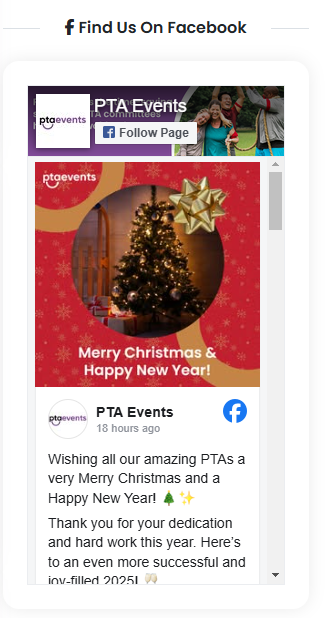
If you have a Facebook Page and have enabled Display Facebook Widget, your page will appear on the shop page as shown below.
If your Facebook Page is not displaying, please check the following:
Ensure you have entered the full Facebook Page URL (for example:
https://www.facebook.com/PTAEventsUK).You can update this by going to Admin > Settings > Basic Details.
Make sure that country and age restrictions in your Facebook Page settings are set to Everyone, as restrictions may prevent the widget from displaying correctly.

Was this article helpful?
That’s Great!
Thank you for your feedback
Sorry! We couldn't be helpful
Thank you for your feedback
Feedback sent
We appreciate your effort and will try to fix the article