Desktop View:
Mobile View:
Yes. You can update booking information or change the product purchased, as long as the new product is the same price, regardless of the event.
How to update a booking
Go to Reports > Bookings.
Locate the booking you want to update.
Click on the booking by selecting either the first name or last name.
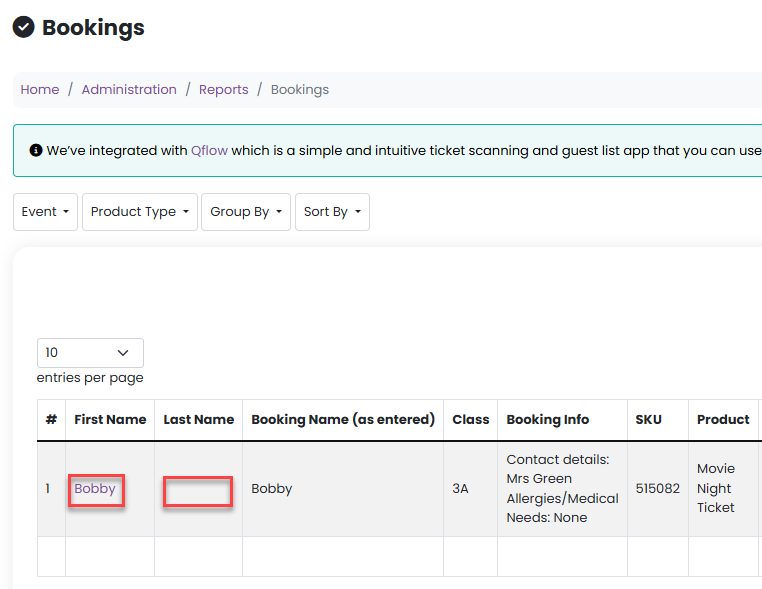
This will open the Update Booking modal window.
What can be updated
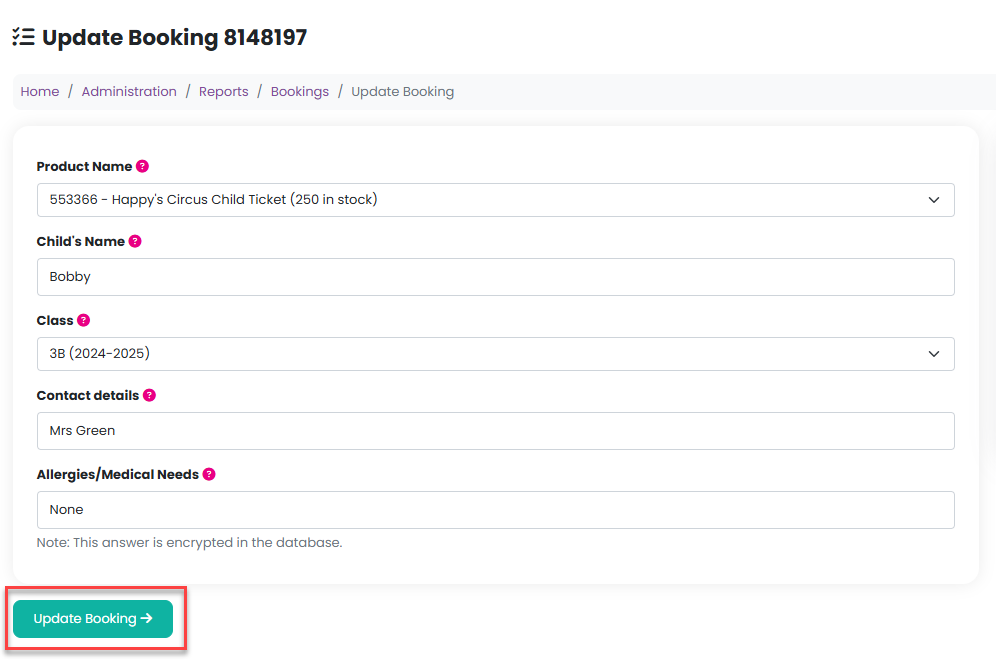
Within the Update Booking modal, you can:
Edit booking details
Change the product purchased (if it is the same price)
Update answers to any product-related questions
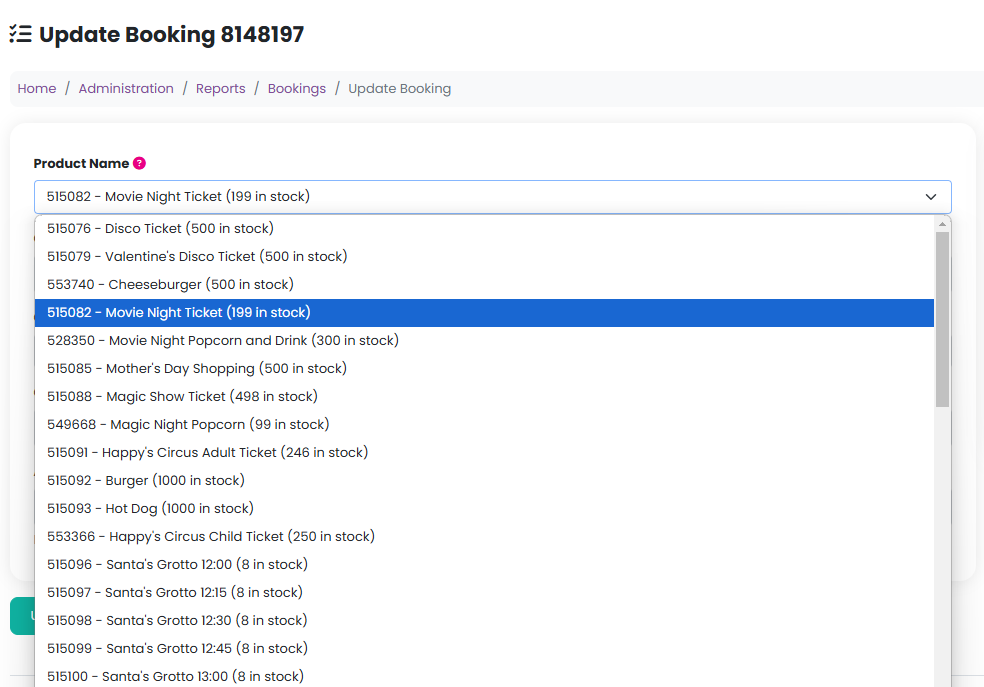
Once you’ve made the required changes, click Update Booking to save your updates.
Was this article helpful?
That’s Great!
Thank you for your feedback
Sorry! We couldn't be helpful
Thank you for your feedback
Feedback sent
We appreciate your effort and will try to fix the article