If your product group contains a large number of items, it can quickly become difficult for customers to navigate your website and find what they’re looking for. To make browsing easier, you can organise products within a product group by using categories.
Where to Find Categories
You can manage categories in two ways:
Navigate to Admin > Product Groups, select your product group, and then choose Categories from the product group management menu.
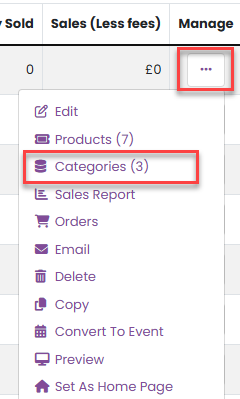
- Alternatively, open the relevant event and select Categories from the Manage menu.
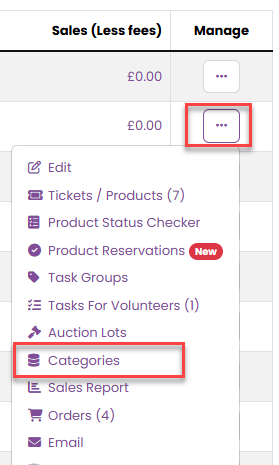
Managing Categories
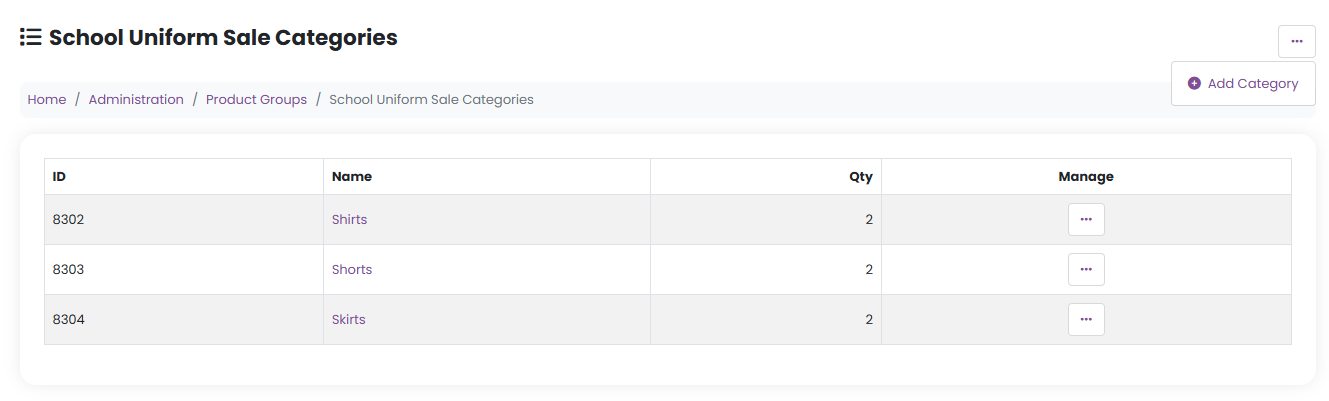
On the category administration page, you can easily:
Add new categories
Edit existing categories
Delete categories
Assign products from the product group to each category
This gives you full control over how products are grouped and displayed.
Example Use Case
For example, if you are selling pre-loved uniform or kit, you might create categories such as:
Trousers
Shirts
PE Kit
Sweaters
This helps customers quickly narrow down the products they are interested in.
Adding a Category
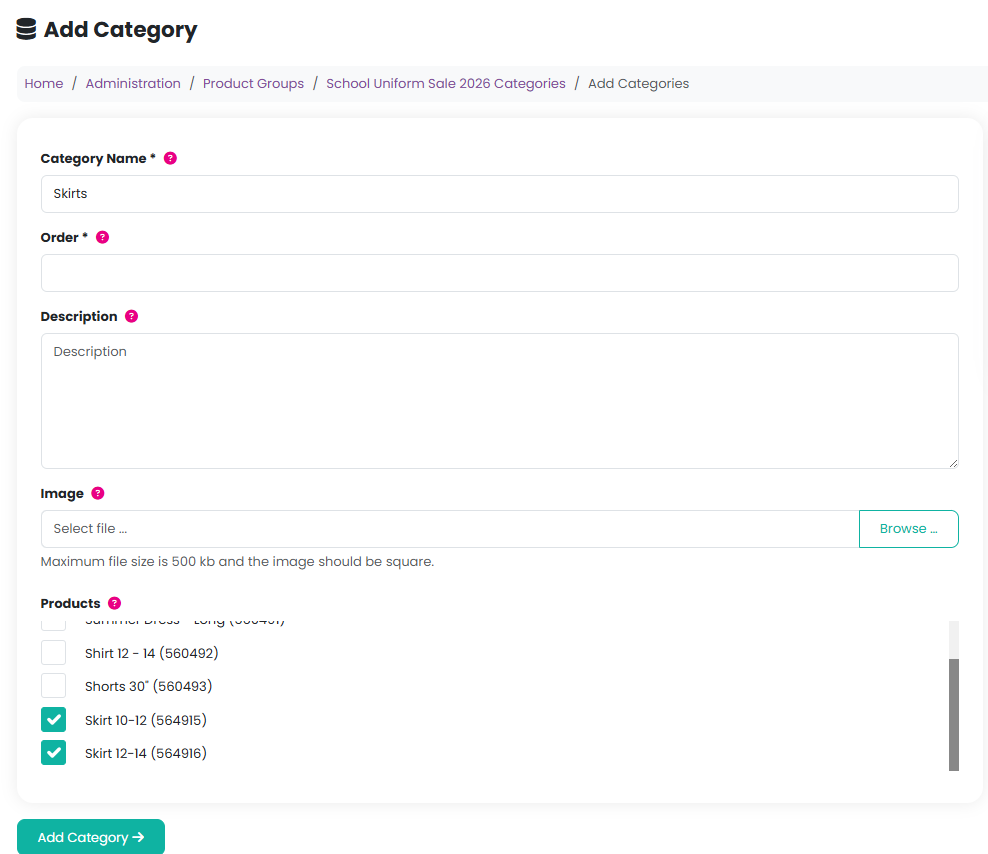
When creating a new category, you must provide a name. You can also optionally add:
A description, to give customers more context
An image, which must be square due to size restrictions
If no image is uploaded, your organisation’s logo will be used instead, as it is already stored in a square format.
To assign products to a category, simply tick the checkbox next to each product you want included.
How Categories Appear to Customers
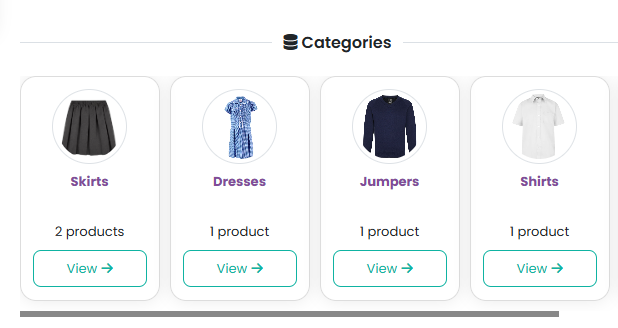
On the uniforms and merchandise listings, customers will see your categories (along with the number of products in each category) instead of a full product list. They can click a category to view only the products within it.
On the category page, customers can also easily move between categories using the product cards displayed, making browsing faster and more intuitive.
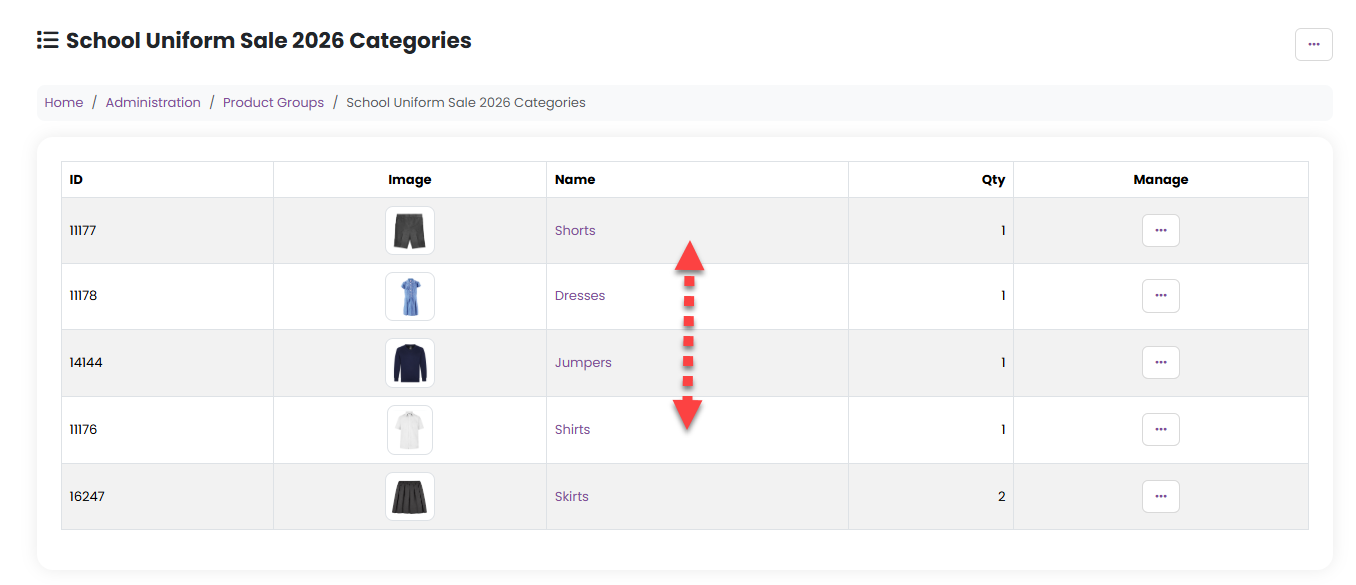
If you would like to change the order of how the categories appear, simply return to the categories management page and drag and drop the categories into the require order:
Was this article helpful?
That’s Great!
Thank you for your feedback
Sorry! We couldn't be helpful
Thank you for your feedback
Feedback sent
We appreciate your effort and will try to fix the article