Desktop View:
Mobile View:
Yes it is. To move a product, go to the product page and open the Manage menu. From there, select Move Products.

A modal window will appear, allowing you to choose the product you want to move and the destination event from the dropdown list.
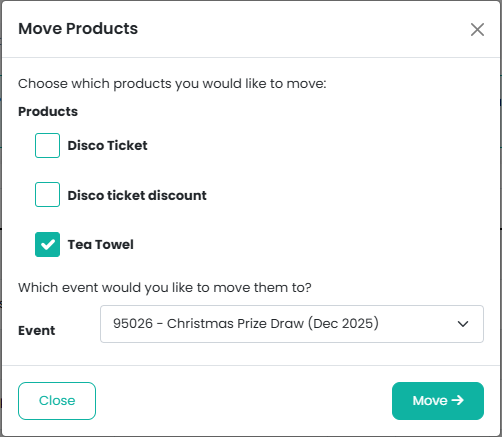
Once you’ve made your selections, click Move to confirm.
You can preview your event to ensure everything is as you would like it before it goes on sale. Click here for further information.
Was this article helpful?
That’s Great!
Thank you for your feedback
Sorry! We couldn't be helpful
Thank you for your feedback
Feedback sent
We appreciate your effort and will try to fix the article