If you prefer not to display products that are sold out, you can enable the Hide Sold Out Products option in your event settings. This will automatically remove sold-out items from your shop, helping to reduce clutter when you have a large number of products available for sale.
Head to Admin > Events and click on the event name. Then scroll down to the Options section:
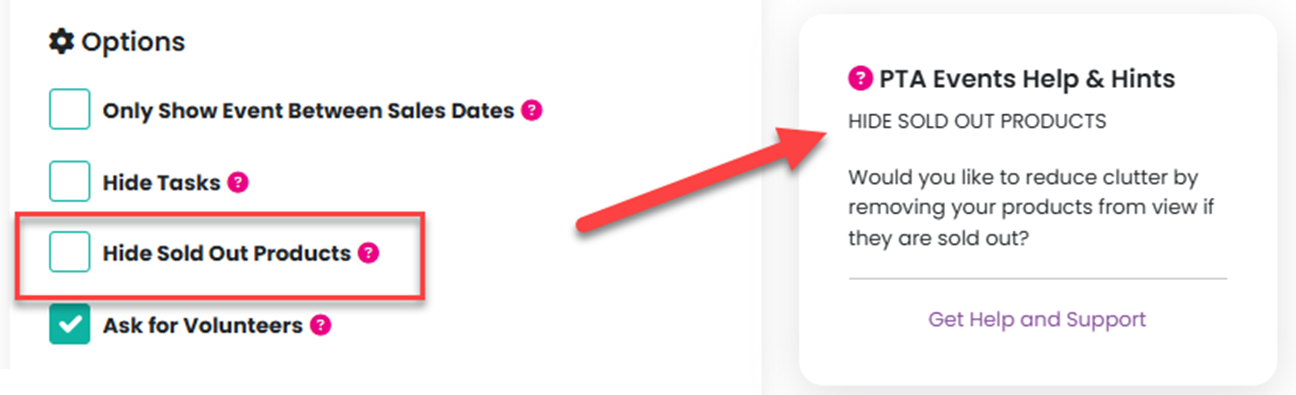
Then click on the Update Event button at the bottom of the page.
Was this article helpful?
That’s Great!
Thank you for your feedback
Sorry! We couldn't be helpful
Thank you for your feedback
Feedback sent
We appreciate your effort and will try to fix the article