Desktop View:
Mobile View:
Yes, customers can request the erasure of their personal data by navigating to My Account > Preferences and selecting Exercise Your Right to Erasure.
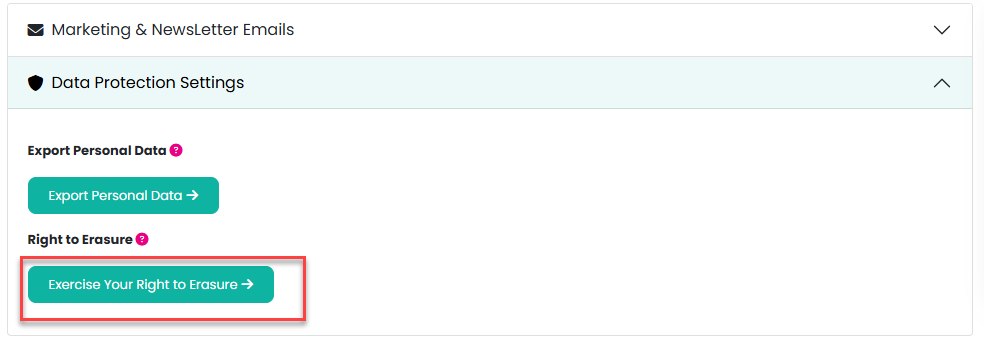
This action opens a modal window that explains the process in more detail and guides the customer through the next steps.
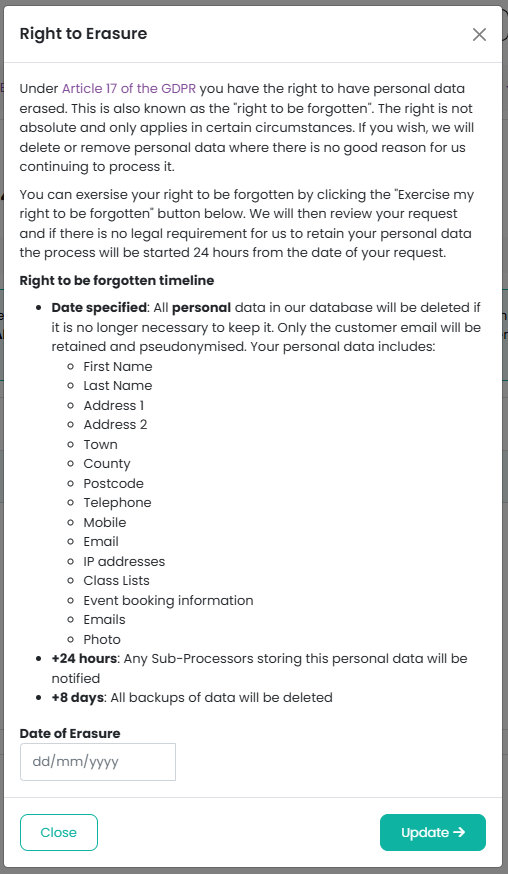
Because the erasure process is irreversible, customers must confirm their request by entering a deletion date in the format dd/mm/yyyy. This date determines when all of their personal data will be permanently removed.
Entering a future date also allows customers to schedule automatic deletion of their data. For example, if all of a customer’s children will leave the school community in July 2026, they can enter that date and their personal data will be deleted once the date has passed.
Was this article helpful?
That’s Great!
Thank you for your feedback
Sorry! We couldn't be helpful
Thank you for your feedback
Feedback sent
We appreciate your effort and will try to fix the article