Desktop View:
Mobile View:
Customers can register on your website by clicking Create Account in the top navigation menu.

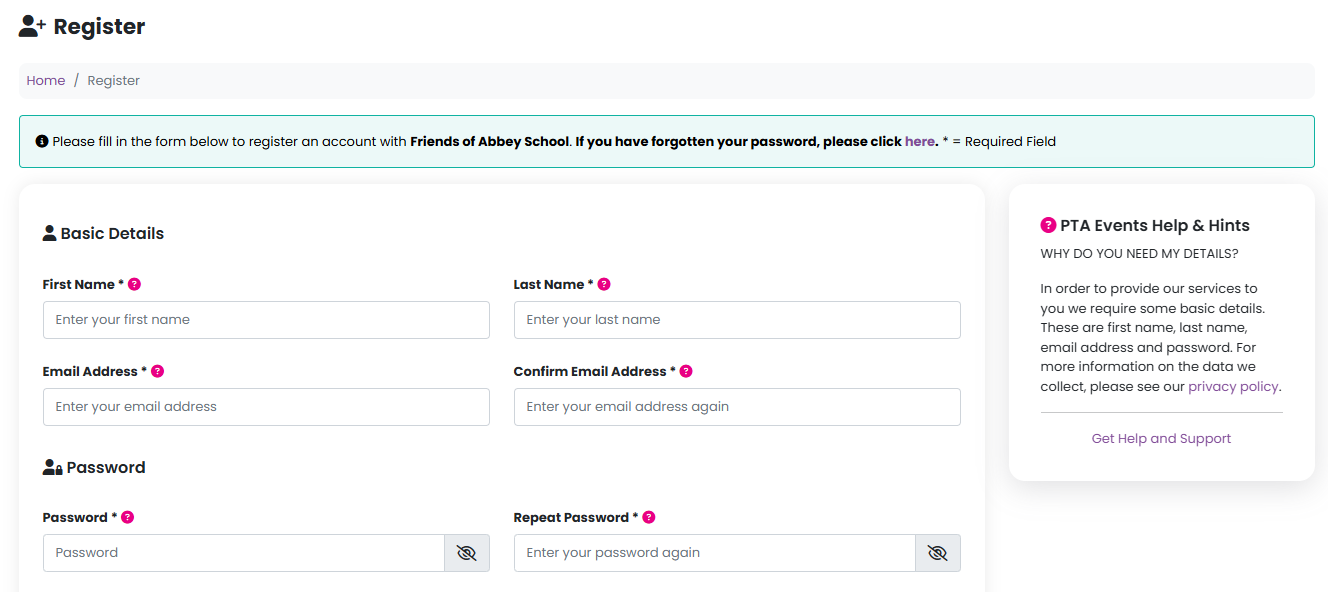
They will then be guided to a simple registration form that asks only for the essential information:
First name
Last name
Email address
Password
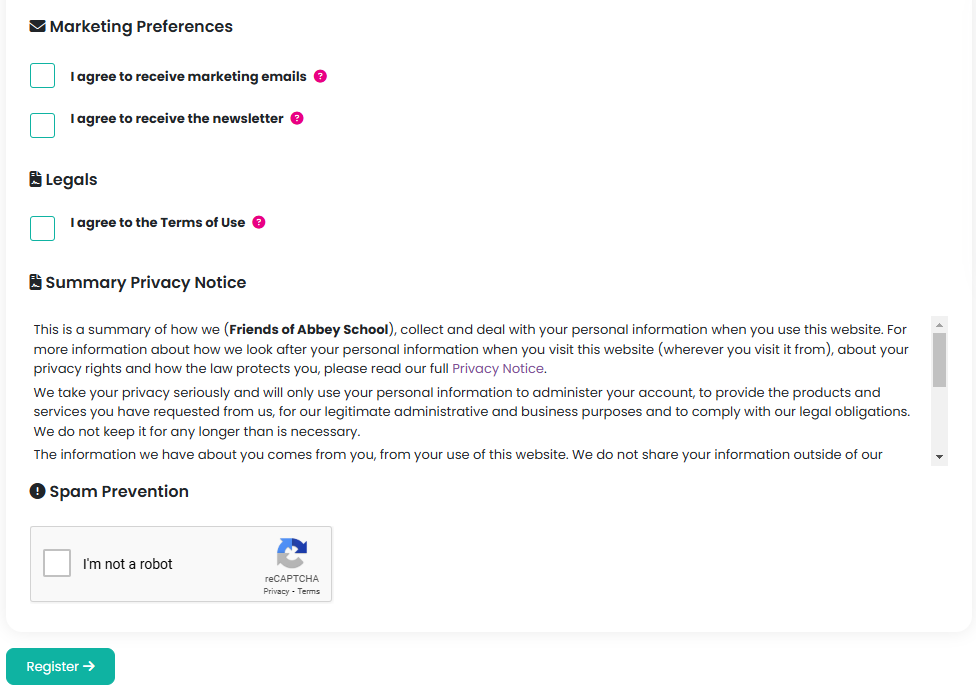
During the registration process, customers can also choose to opt in to receive marketing communications and newsletters from your organisation. In addition, they must agree to your site’s terms and conditions before completing their registration.
To ensure GDPR compliance, we securely store a hashed record of the accepted terms and conditions, along with any marketing or newsletter consent selections. Each consent is logged with a date and time stamp indicating when the agreement was made.
Was this article helpful?
That’s Great!
Thank you for your feedback
Sorry! We couldn't be helpful
Thank you for your feedback
Feedback sent
We appreciate your effort and will try to fix the article