Desktop View:
Mobile View:
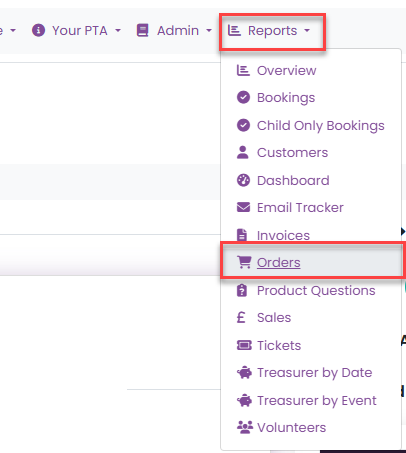
1. Navigate to Orders
From the main menu, go to Reports and select Orders.
2. Search for the Order
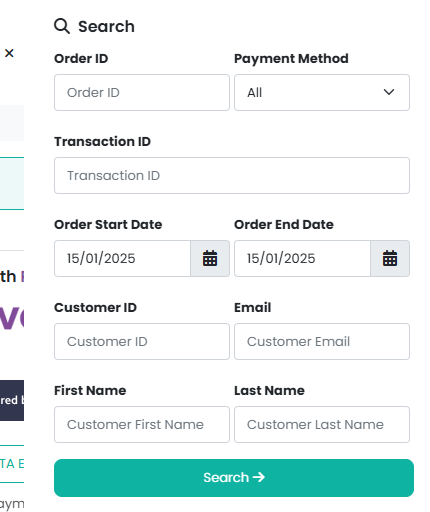
Use the search option in the Manage menu to locate the order. You can search by:
Order date
Customer ID
Customer name
3. Resend the Confirmation Email
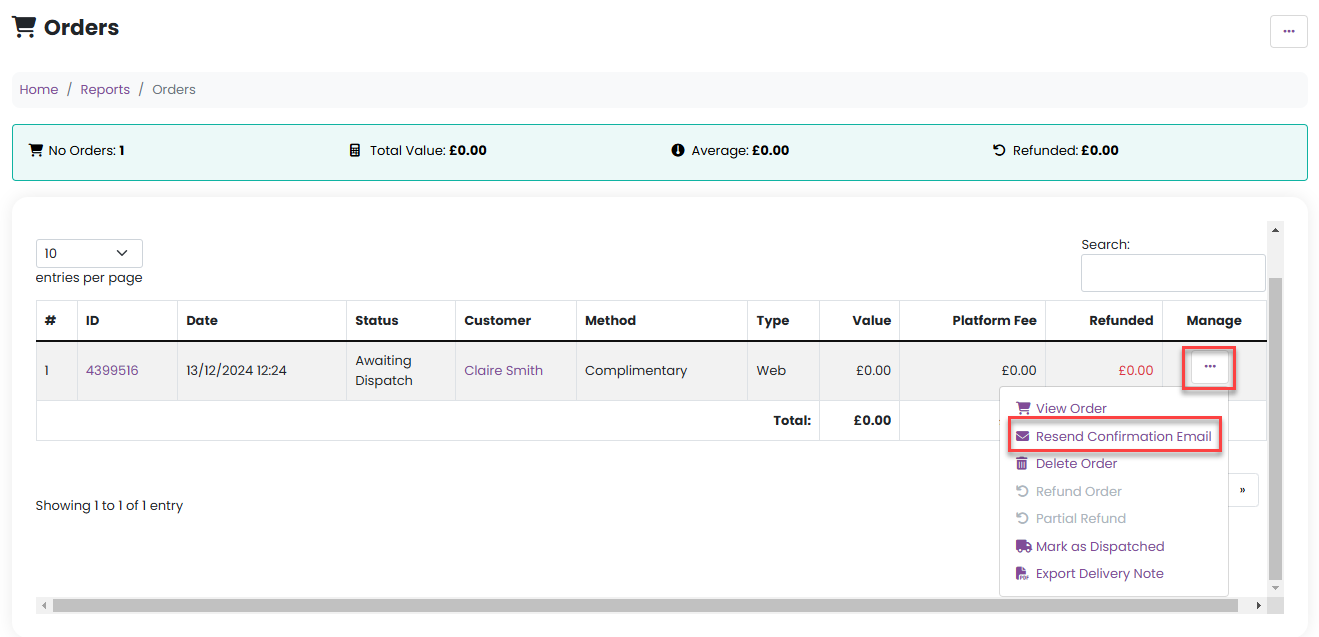
Once you have found the correct order, click on the Manage menu for that order and select Resend confirmation email.
4. Confirm Email Sent
A confirmation message will appear on screen to confirm that the email has been successfully sent.

Was this article helpful?
That’s Great!
Thank you for your feedback
Sorry! We couldn't be helpful
Thank you for your feedback
Feedback sent
We appreciate your effort and will try to fix the article