Desktop View:
Mobile View:
You can create food vouchers that customers can purchase in advance and receive digitally via email. Follow the steps below to set this up.
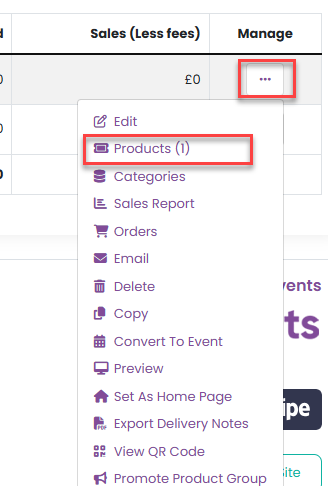
Step 1: Navigate to Products
For event-specific vouchers, go to Admin > Events, select your event, then choose Tickets / Products from the event management menu.
For product groups, go to Admin > Product Groups, select the relevant group, and then choose Products from the product management menu.
Step 2: Add a New Product
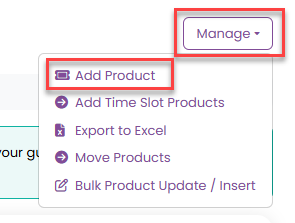
Click Manage, then select Add Product.
Step 3: Complete the Product Details
In the product form:
- Enter a Product Name (for example, Cheeseburger).
- Enter a SKU (for example,
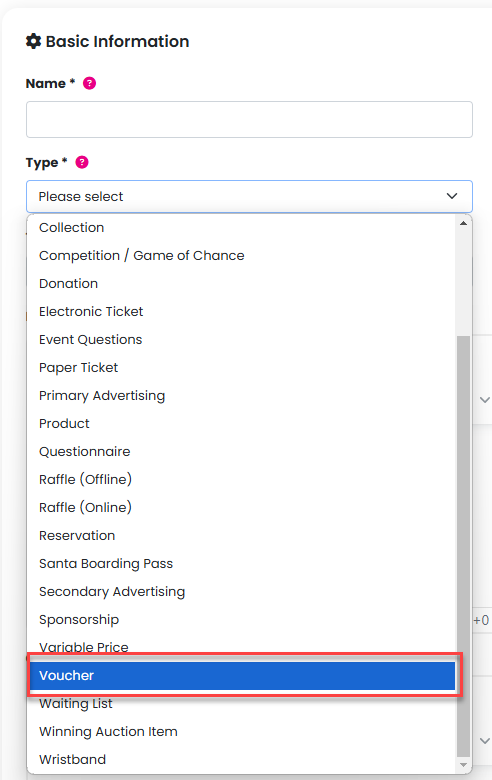
CHEESEBURGER). A Stock Keeping Unit (SKU) uniquely identifies your product and allows for easily reconciling with your payment gateway. If you don’t enter a SKU we will generate one for your automatically. Set the Product Type to Voucher.
Step 4: Set Pricing and Availability
Enter the price of the voucher.
Specify the stock quantity available for purchase.

Step 5: Save the Product
Click Add Product to make the voucher available for customers to purchase.
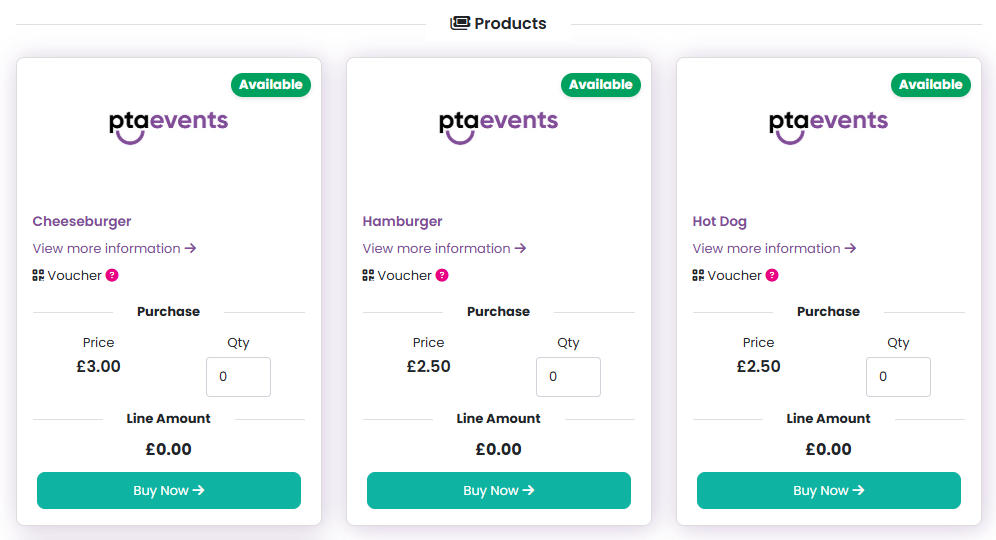
What the Customer Receives
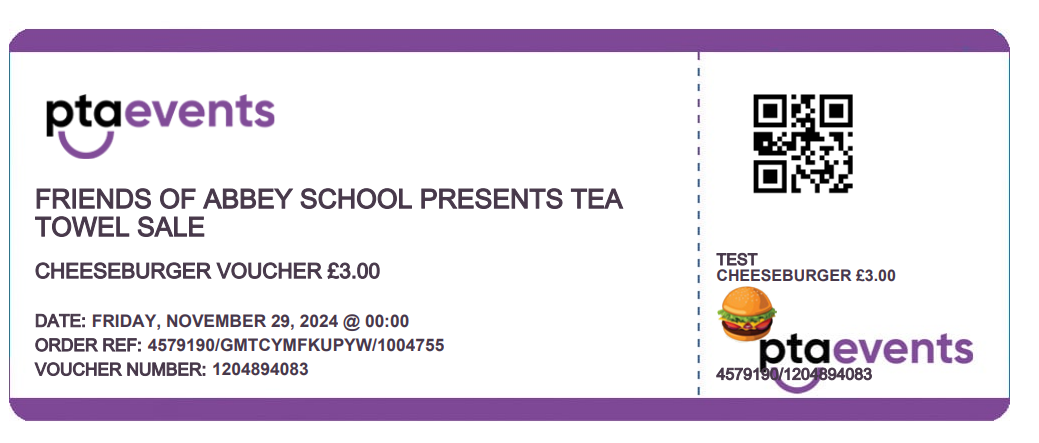
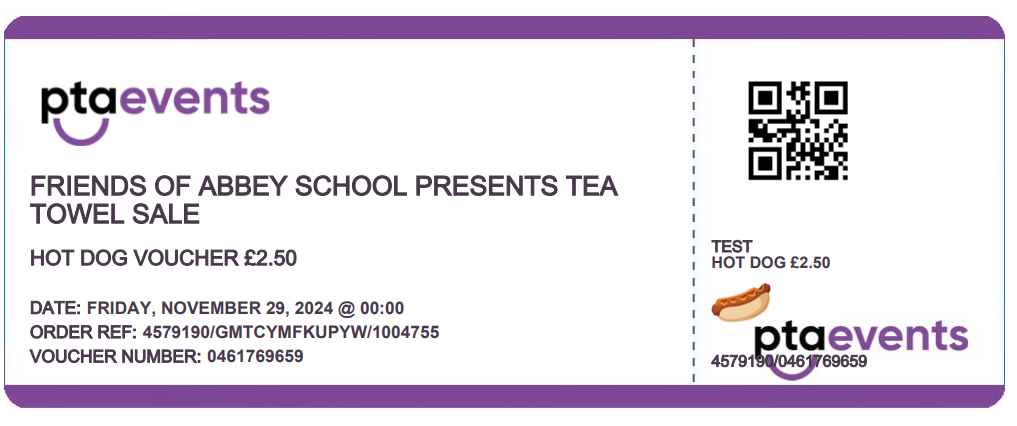
Because this product is a voucher, customers will automatically receive an e-voucher in their order confirmation email after purchase.
Tickets, Vouchers, or Grotto Boarding Passes can be synced to Qflow for scanning at events. Please click here for further information on how to purchase and sync Qflow. Qflow is included with the Premium plan.
Was this article helpful?
That’s Great!
Thank you for your feedback
Sorry! We couldn't be helpful
Thank you for your feedback
Feedback sent
We appreciate your effort and will try to fix the article